Apk Extractor
Android · APK backup · XAPK installer · New phone
Extract APK files, back up apps and install APK/XAPK — all in one toolkit
- Extracts any installed app to an APK or XAPK file, backs up many at once and keeps a version history so a bad update can be rolled back, no root
- Installs APK and XAPK packages, compares a file with the installed version and checks signatures and permissions before you install
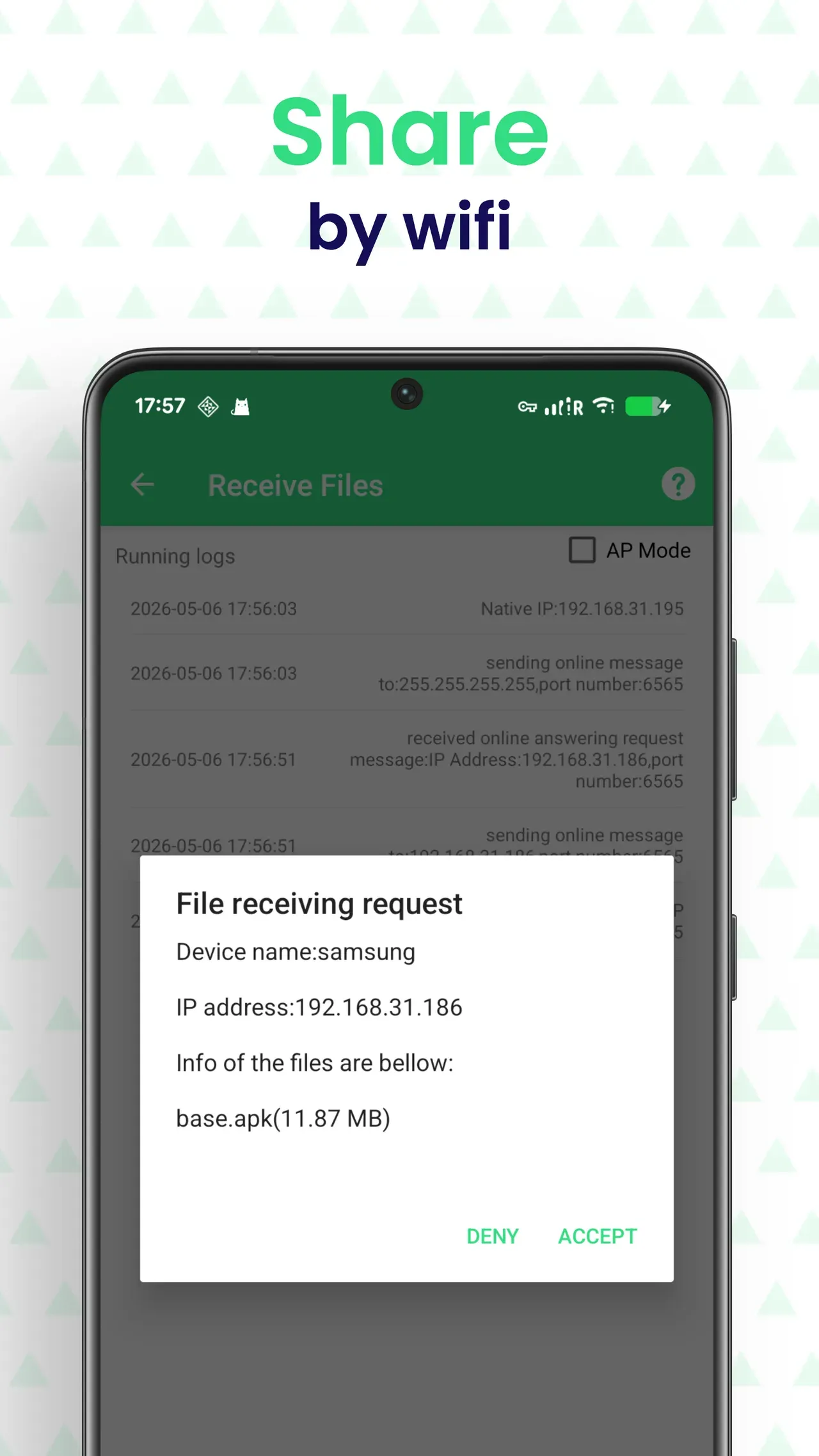
- Moves your apps to a new phone over Wi-Fi and shares them offline. Free to install; ad removal, batch install, web transfer and unlimited migration are a one-time Pro purchase
Android 7.0 or laterAPK backup · XAPK installer · New phone19 languagesGPL-3.0 sourceVersion 6.1.2
Back Up Apps Before a Reset or a New Phone
- Share apps with friends offline — no internet or app store needed
- Move your apps to a new phone, or back up before a factory reset
- Keep an APK of the current version before an app updates
- Save apps no longer available in the app store
- Extract APK files from user apps and system apps
- Batch backup many apps at once, without root access
- Pick a custom export folder on internal or external storage
- Auto backup: watch chosen apps and keep an APK of every new version
- Set how many versions to keep per app — all stored on your device
- Reinstall an older version and roll back an update you did not want
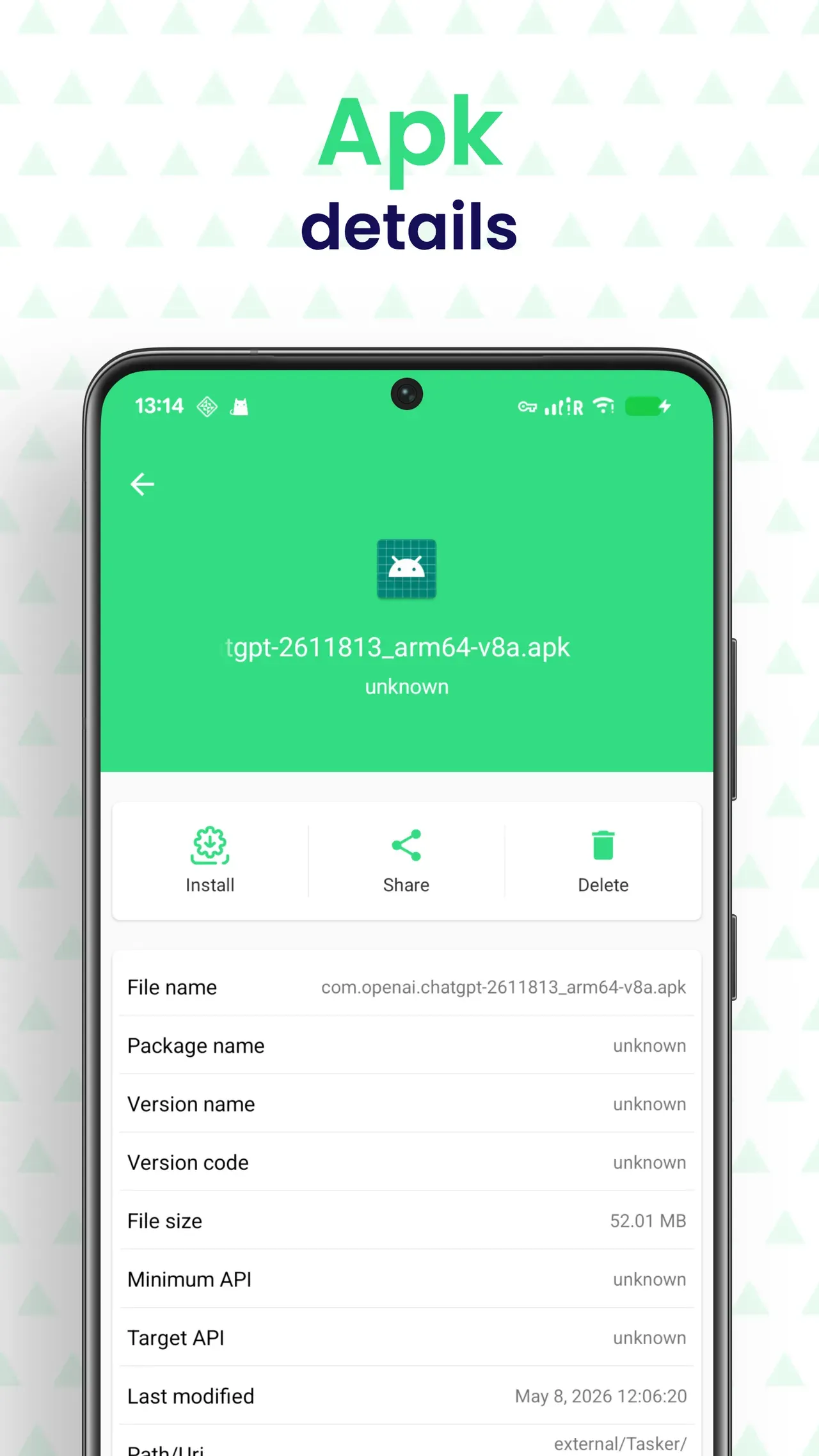
- Install APK files with the Android package installer
- Install XAPK packages made of a base APK and split APK files
- Batch install: queue several APK or XAPK files and run them in one go
- Clear reasons when installs fail — incompatible ABI, min API, low space
- Send the app list — and the APK/XAPK files themselves — from the old phone to the new one over Wi-Fi
- The new phone checks what it already has, then installs everything back in one queue
- Flags versions you already have, different signatures and apps it cannot run
- Store-installed apps get a one-tap link to their store page
- Compare an APK file with the version already installed
- See whether signatures match or come from a different publisher
- Spot added or removed permissions before you install
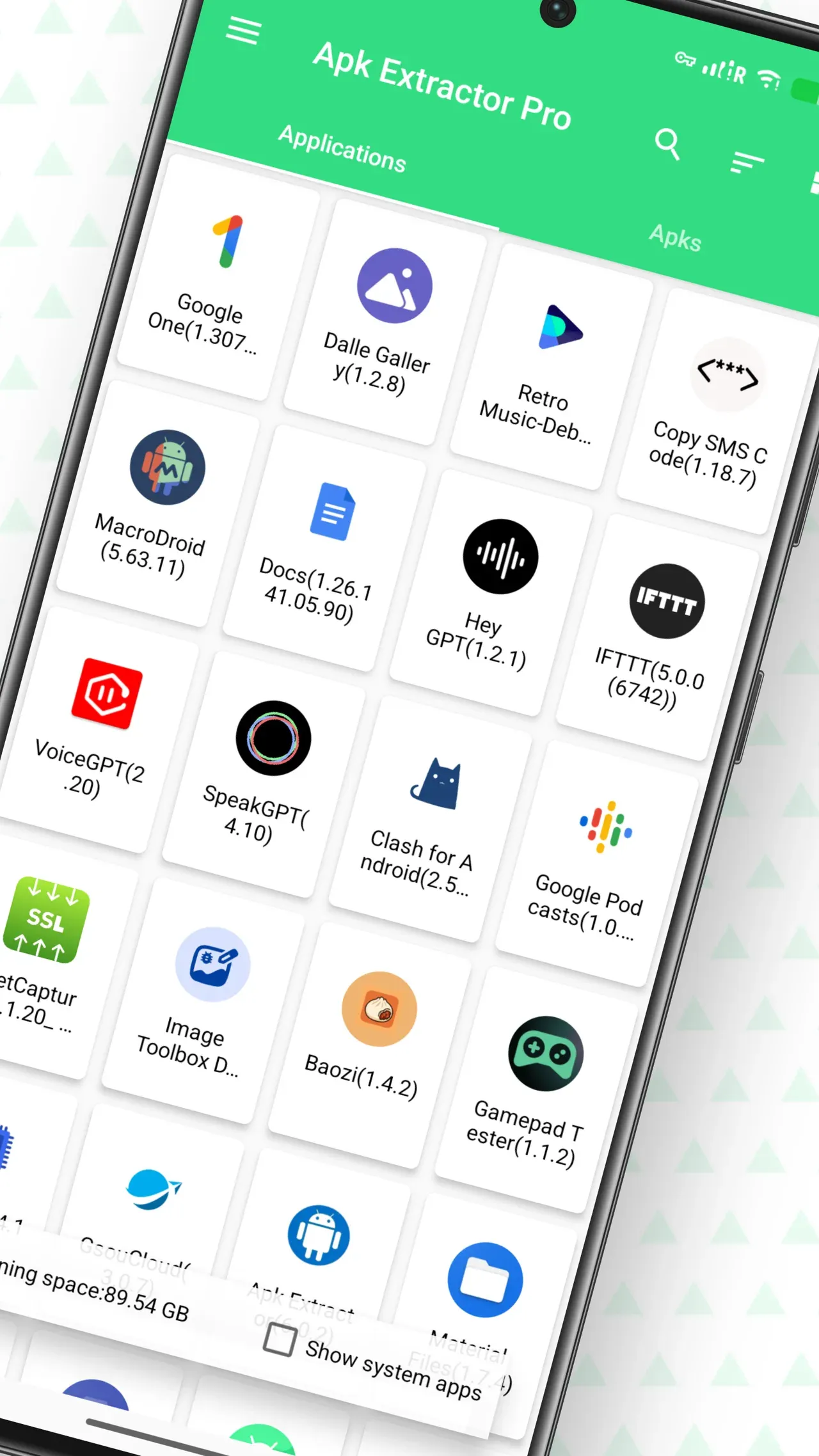
- Browse user apps and system apps in a list or grid
- Search by app name or package name
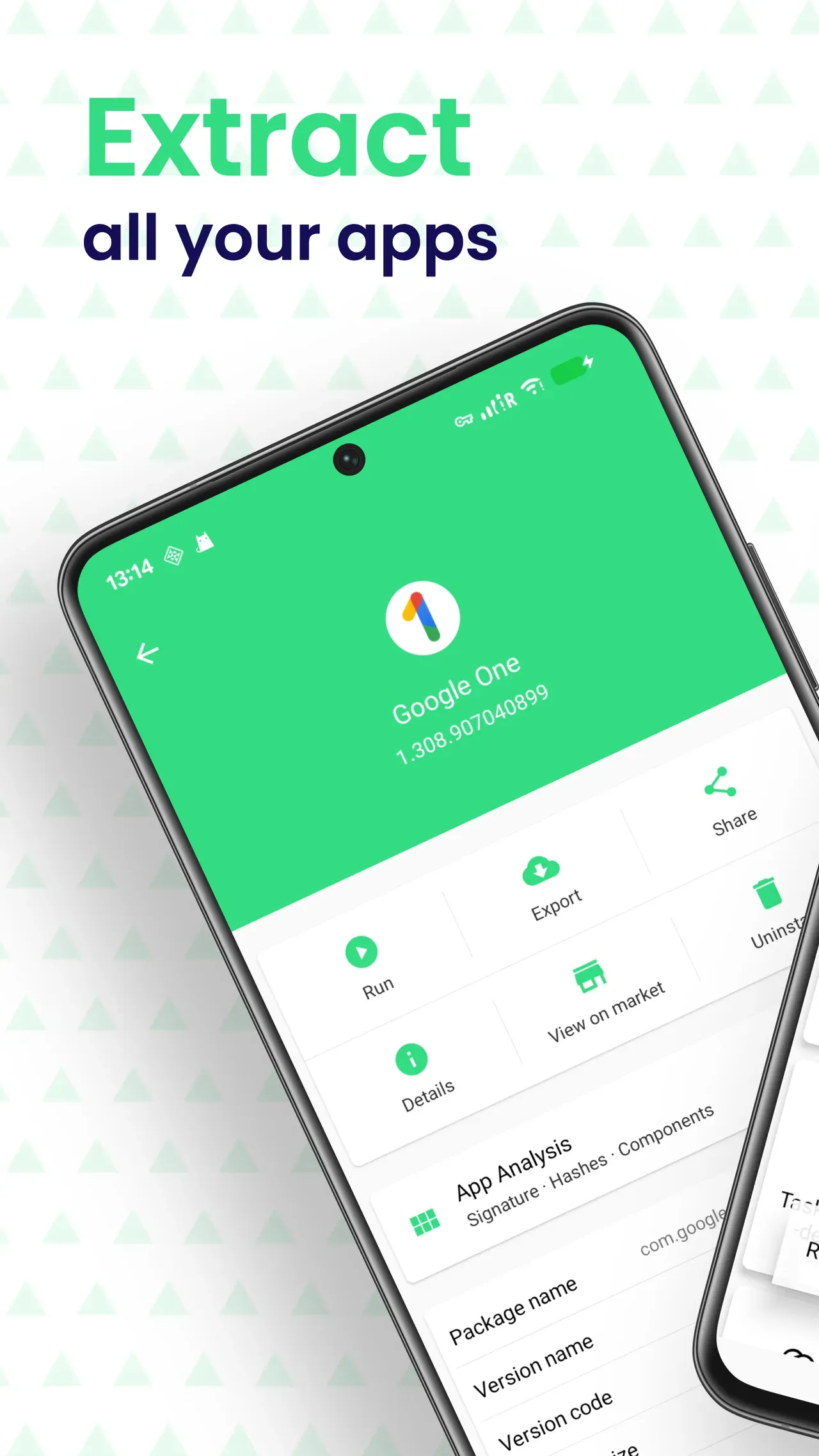
- Launch, open system app info, visit the store page or uninstall
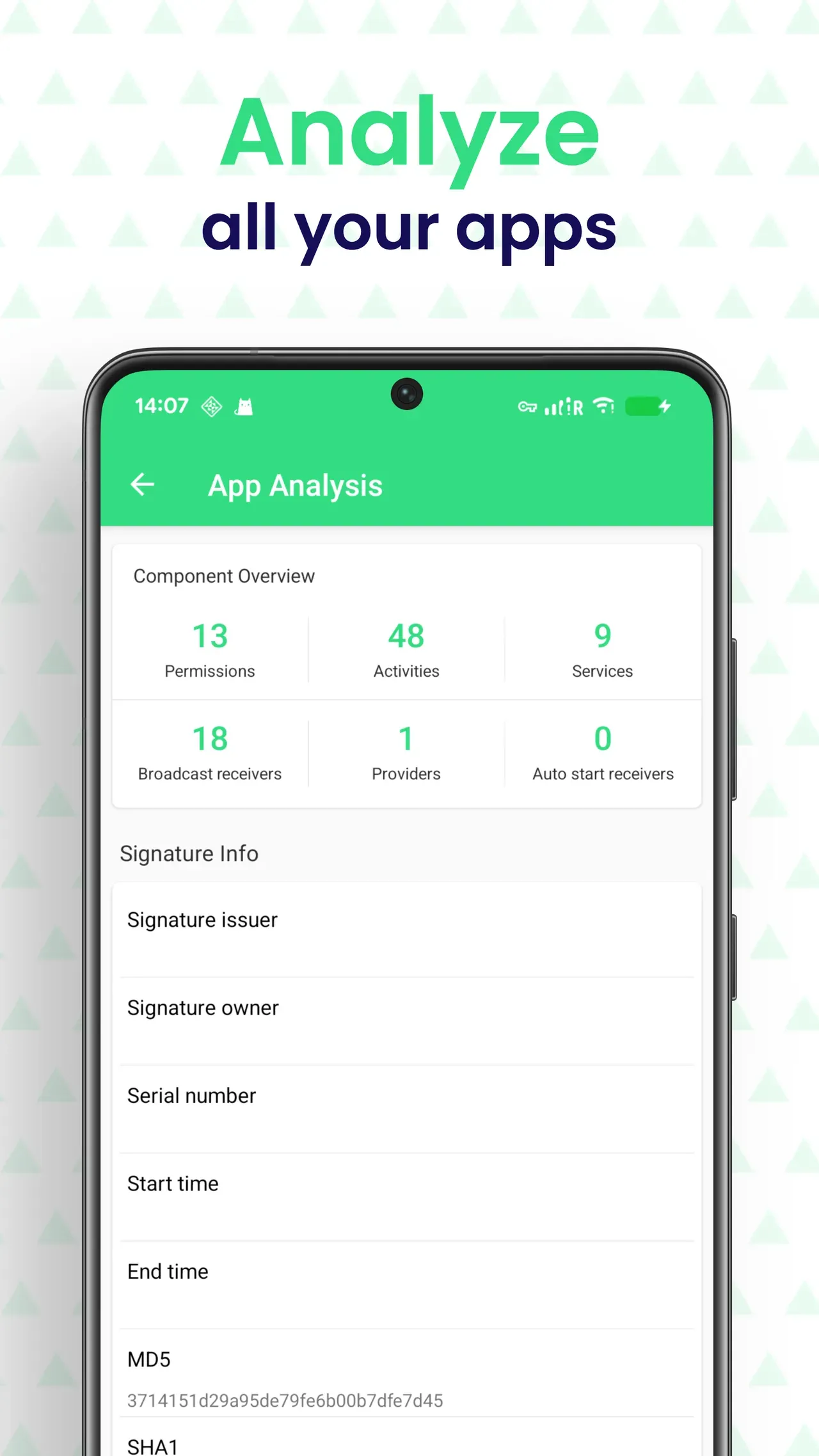
- Package name, version name, version code, min SDK and target SDK
- App size, APK path, installer, install time and update time
- Signature certificate plus MD5, SHA-1, SHA-256 and CRC32 checksums
- Compare user and system apps by count, total size and average size
- Find the largest, oldest and most recently updated apps
- See which apps request location, camera, microphone or contacts
- Send apps and APK files via the share menu — Quick Share, Bluetooth, email
- Transfer apps between devices on the same Wi-Fi, no internet needed
- Web transfer: open an address or scan a QR code in a browser to move apps between phone and computer
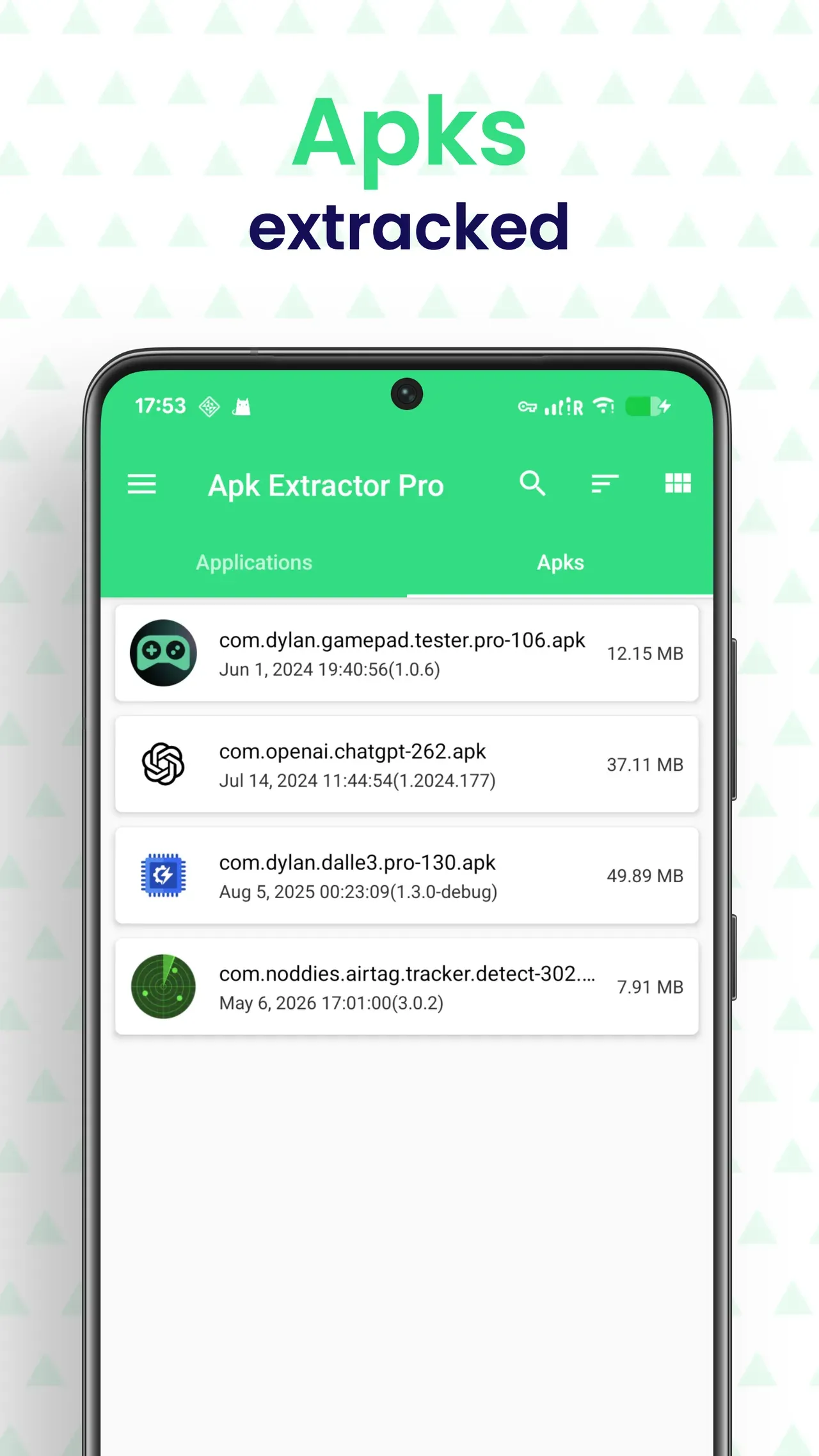
It extracts the apps installed on your phone into APK, XAPK or APKS files so you can back them up, share them or install them again later. It also manages the installation packages already stored on your device.
An APK is a single installation file. XAPK and APKS are archives that also contain an app's split packages (language, screen density, CPU architecture) and its OBB data. Use APK for ordinary apps and XAPK/APKS for apps published as an App Bundle.
Open the Apks tab, tap the file and choose Install. The app uses the system session installer and automatically picks the splits that match your device.
Auto backup keeps a copy of an app's APK every time it is updated, so you can go back to an older version later. Each kept version takes about as much space as the app itself, so delete records you no longer need in Version History.
Open Version History, pick the app, choose the version you want and tap Install. Android does not allow downgrading over an existing app, so uninstall the current version first — its data will be removed.
No. Extracting, backup and transfer all happen on your device or inside your own local network. See the privacy policy for details.
Export Path, File Naming Rules & ZIP Compression
Set the export folder, APK naming rules, ZIP compression, scan range, sharing mode, language and dark mode to match your workflow.
Privacy First, No Root Needed
APK extraction, backup and app management need no root. Optional Usage Access is used only for cache and unused-app insights. Auto backup, batch install, web transfer, ad-free and device migration beyond the first 5 apps are part of a one-time Pro purchase.
Apk Extractor privacy policy →
Get Apk Extractor
Available on Google Play for Android. The source code is published under GPL-3.0.
Last updated October 15, 2026