JoyLink

Android · PC · Mac · Android TV

Turn your phone into a real Bluetooth gamepad — no receiver app, no dongle, no root

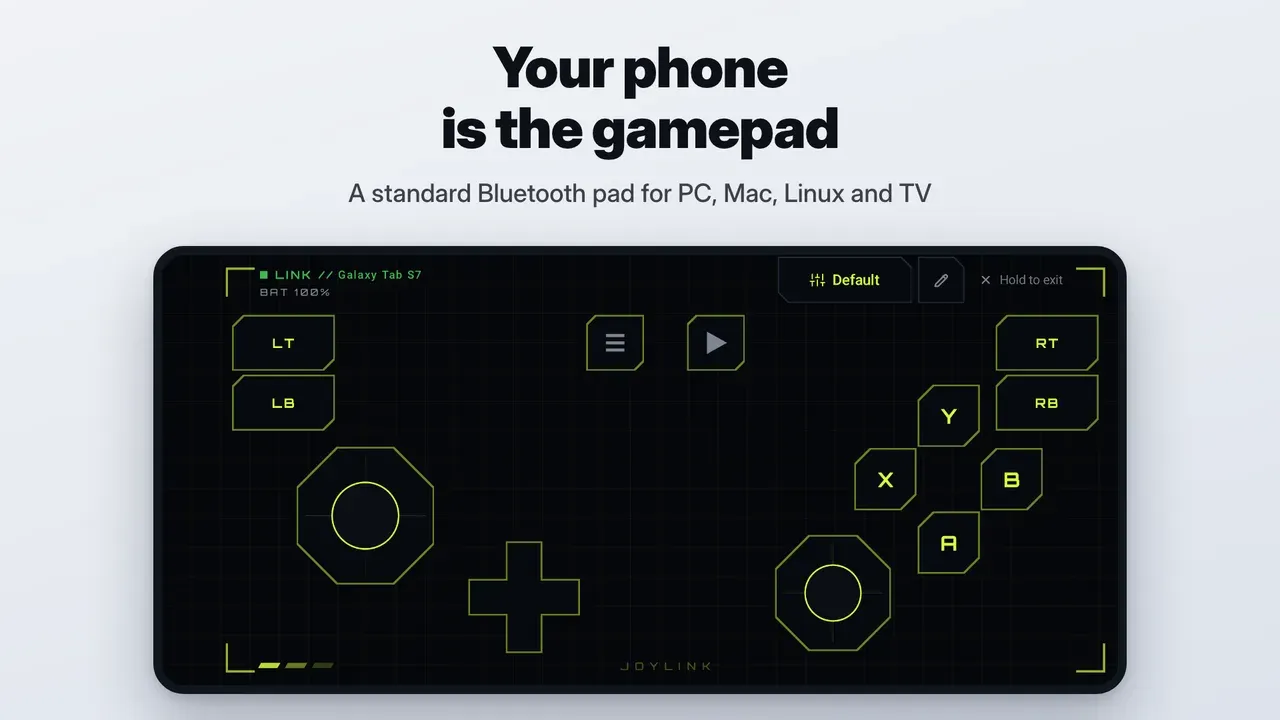
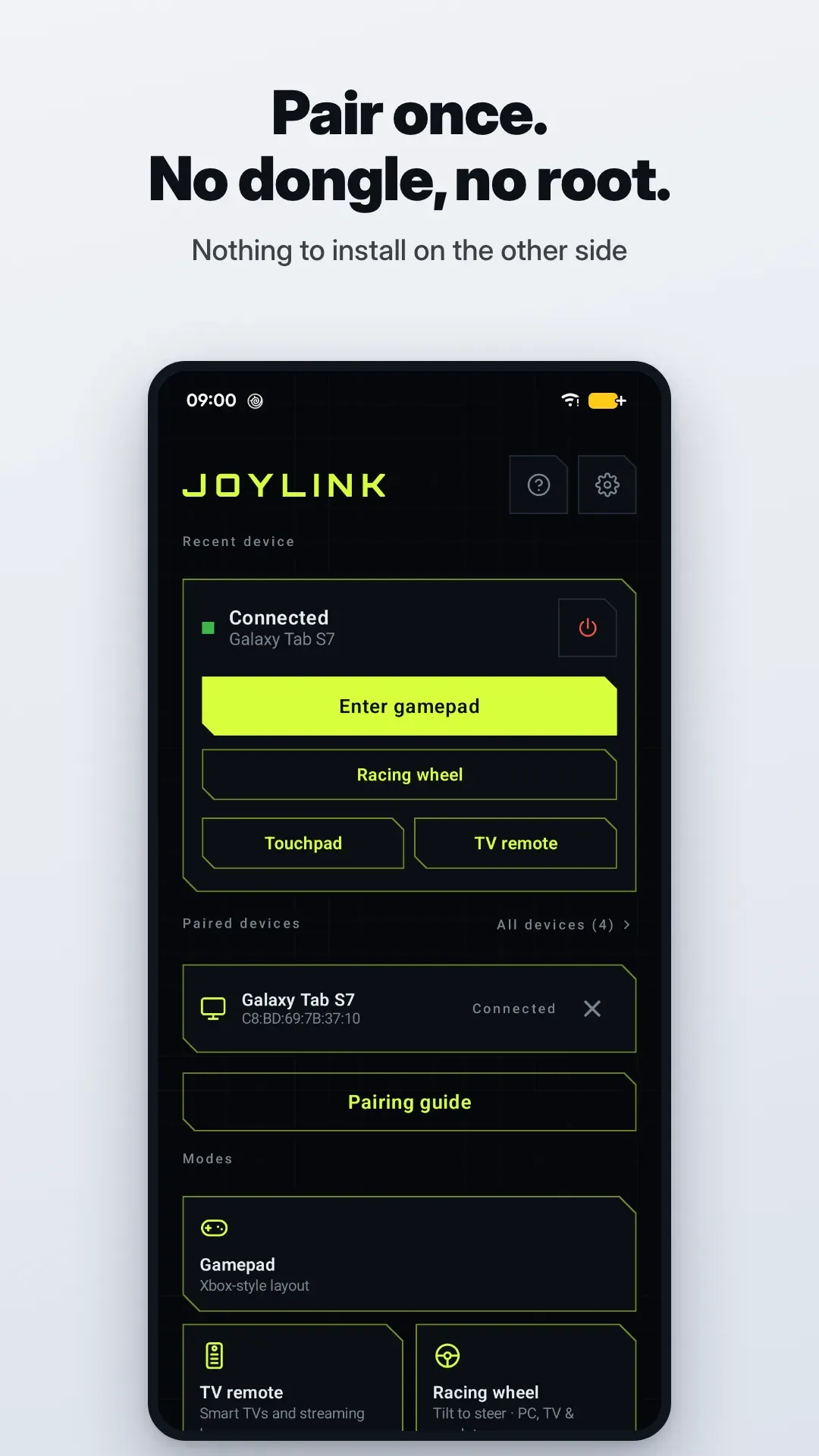
  • Shows up as a standard Bluetooth gamepad on Windows, Mac, Linux, Android TV or another phone, with nothing to install on the other side
  • Touchpad, keyboard and TV remote for TV boxes and media PCs, and a tilt-to-steer racing wheel for emulators and PC sims
  • Free with no ads and no account. Pro is a one-time purchase, and every Pro feature can be tried once first
JoyLink screenshot 1
Android 9 or laterPC · Mac · Android TV19 languagesVersion 1.2.0
Screenshots6
JoyLink screenshot 1
JoyLink screenshot 2
JoyLink screenshot 3
JoyLink screenshot 4
JoyLink screenshot 5
JoyLink screenshot 6

Popular ways people use JoyLink

What it doesFeatures →

Bluetooth Gamepad for PC, Mac & Linux

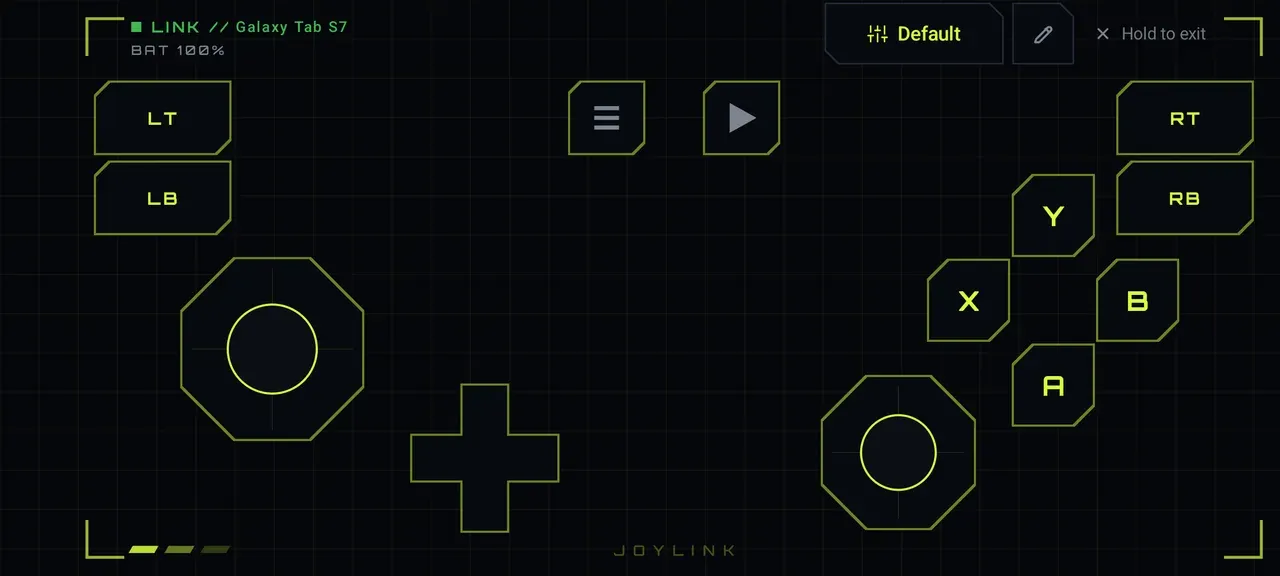
  • Xbox-style layout: dual analog sticks, D-pad, A B X Y, LB/RB, LT/RT, Start and Select
  • Standard (DirectInput) controller for Steam, emulators and any game that supports generic pads; Steam Input covers XInput-only titles
  • Haptic feedback, full-screen landscape, hold-to-exit so nothing kicks you out mid-game
  • Built-in button tester shows what each control sends to the host

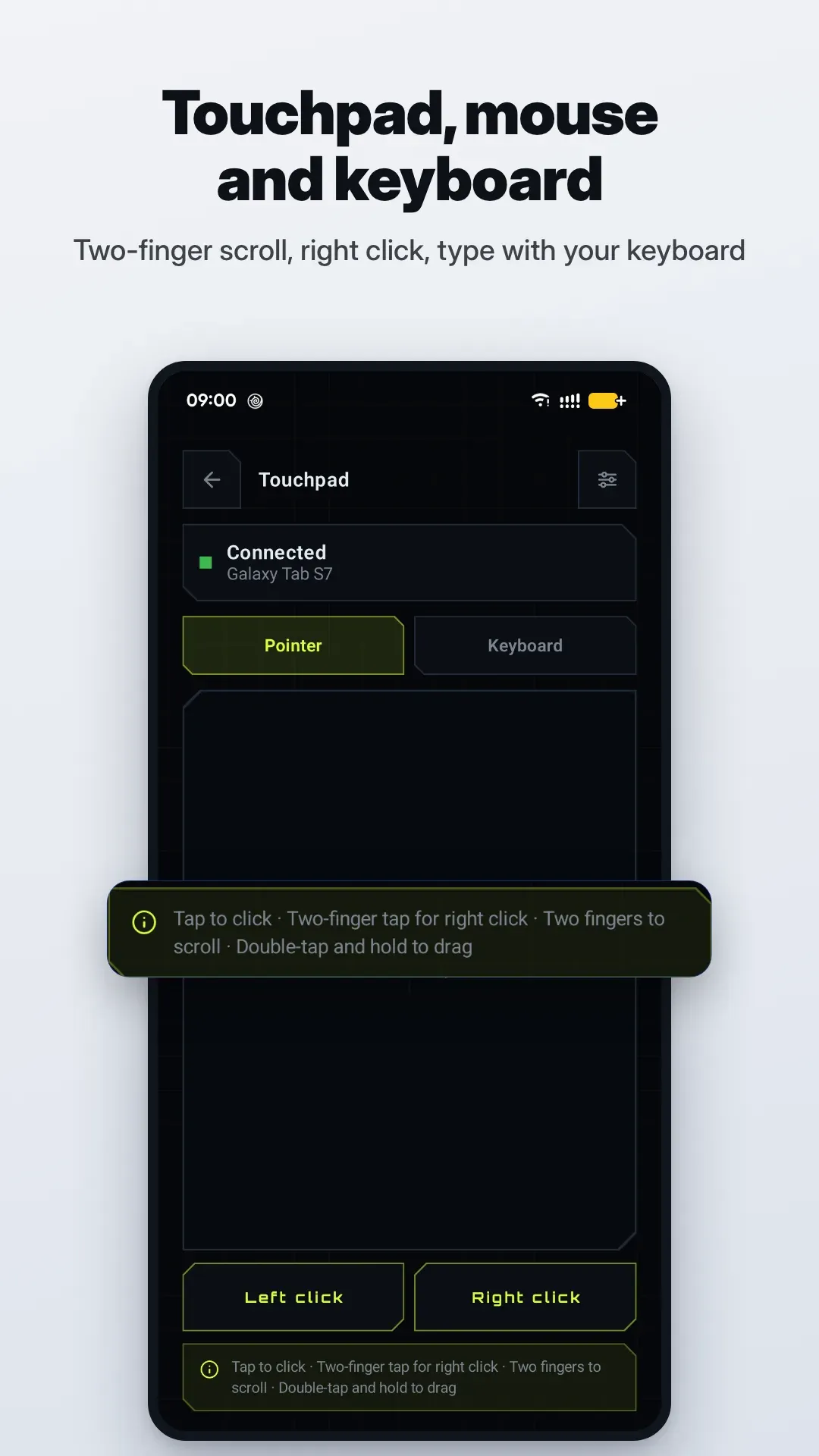
Touchpad, Mouse & Keyboard

  • Tap, two-finger scroll, right click and drag gestures
  • Type with your phone keyboard — ideal for TV boxes and media PCs
  • Works as a wireless mouse and keyboard for iPad and iPhone too

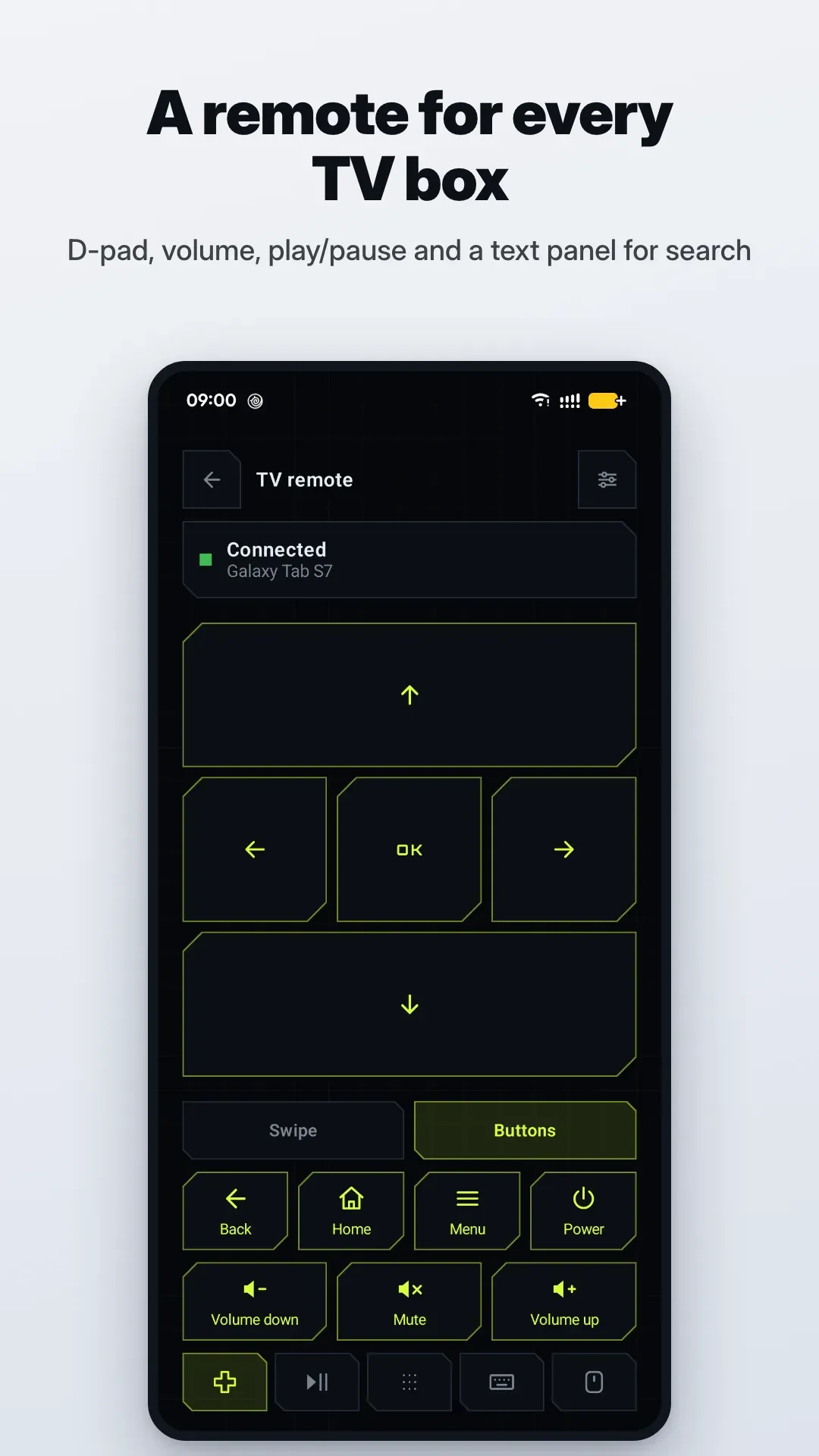
TV Remote for Android TV, Google TV & Fire TV

  • D-pad navigation, Back, Home, Menu and power off
  • Volume, mute, play/pause, skip and channel up/down
  • Number pad and a text panel for search boxes

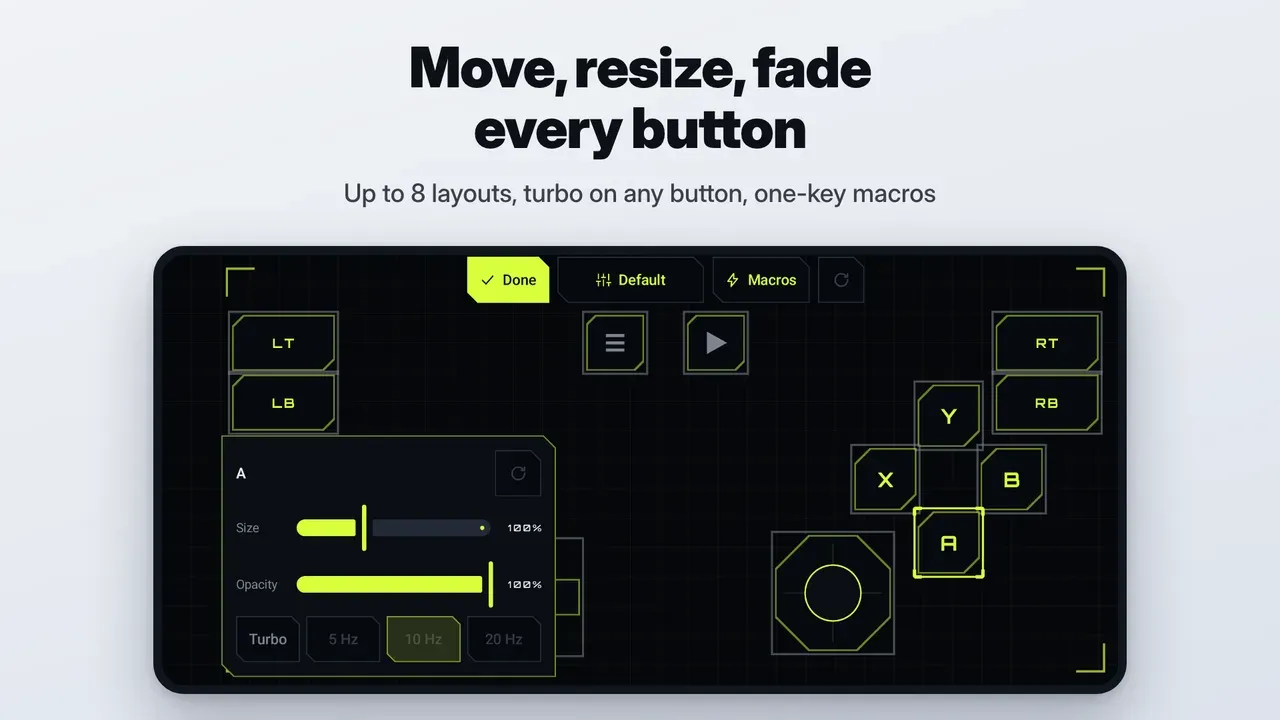
Custom Layouts, Turbo & Macros

  • Move, resize and fade every control; up to 8 layouts for different games
  • Turbo (rapid fire) on any button; record a combo once, replay it from one macro key

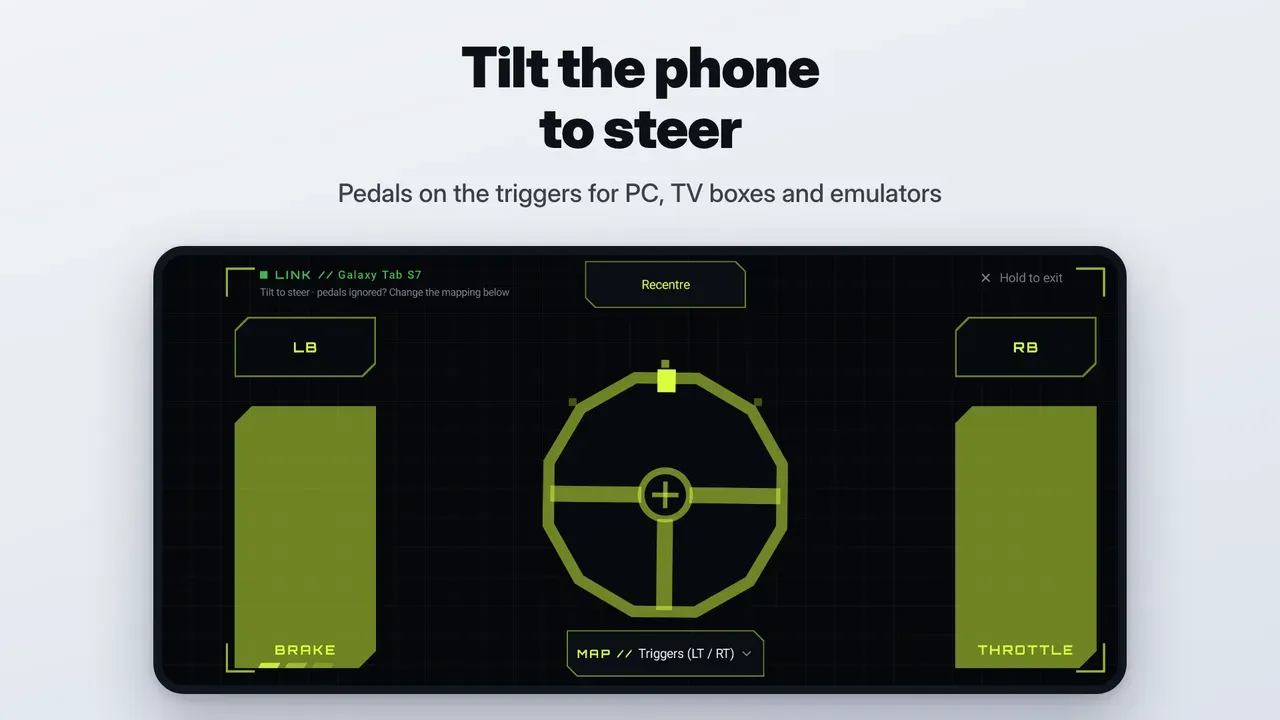
Racing Wheel for PC, TV & Emulators: Tilt to Steer

  • Hold the phone sideways and tilt to steer — for hosts whose screen can't tilt
  • Pedals on LT/RT out of the box; analog, left-stick and retro presets for sims and emulators

Three complete themes

HUD (electric lime esports), Aurora (glass and cyan glow) and Industrial (keycaps and safety orange) — full looks, not just an accent colour.

    Built for long sessions

    • Lag in the same range as a regular Bluetooth controller
    • Auto reconnect when the host drops the link, keep screen on while you play
    • 19 languages and a built-in FAQ
    Common questionsAll questions →

    Free forever, Pro is a one-time purchase

    Connecting, pairing and the standard gamepad are free — no time limit, no ads. Pro adds touchpad, TV remote, racing wheel, custom layouts, turbo & macros and two extra themes for a single one-time price, not a subscription. Try each Pro feature once before you buy.

    Privacy first

    JoyLink only asks for the Nearby devices (Bluetooth) permission plus a status notification. No account, no sign-in; your inputs go over Bluetooth to the host and nowhere else.

    JoyLink privacy policy →

    Before you install

    Something not working? A Play review gives us no way to ask for details or send a fix. Email feedback@dapplebyte.com instead (Settings → About → Send feedback attaches your phone model and app version) and we'll get back to you.

    • PlayStation, Xbox and Nintendo Switch only accept their own controllers, so JoyLink can't connect to consoles
    • iOS games don't read generic Bluetooth gamepads, so on iPhone and iPad JoyLink is a mouse and keyboard only
    • Android can act as a Bluetooth gamepad, but some phone makers switch it off in firmware and no app can turn it back on; JoyLink checks on first launch
    • Every host maps buttons its own way; the button tester and FAQ cover the common cases
    • The racing wheel is for PC, TV boxes and emulators: most mobile racing games don't take controllers, and the phone you play on already has tilt steering of its own

    Get JoyLink

    Available on Google Play for Android.

    Windows and Xbox are trademarks of Microsoft; Mac, iPhone and iPad of Apple; PlayStation of Sony Interactive Entertainment; Nintendo Switch of Nintendo; Android, Android TV and Google TV of Google; Fire TV of Amazon; Steam of Valve; Raspberry Pi of Raspberry Pi Ltd. JoyLink is not affiliated with or endorsed by any of them.

    Last updated October 15, 2026