Gamepad Pro

Android · Controller mapper · No root

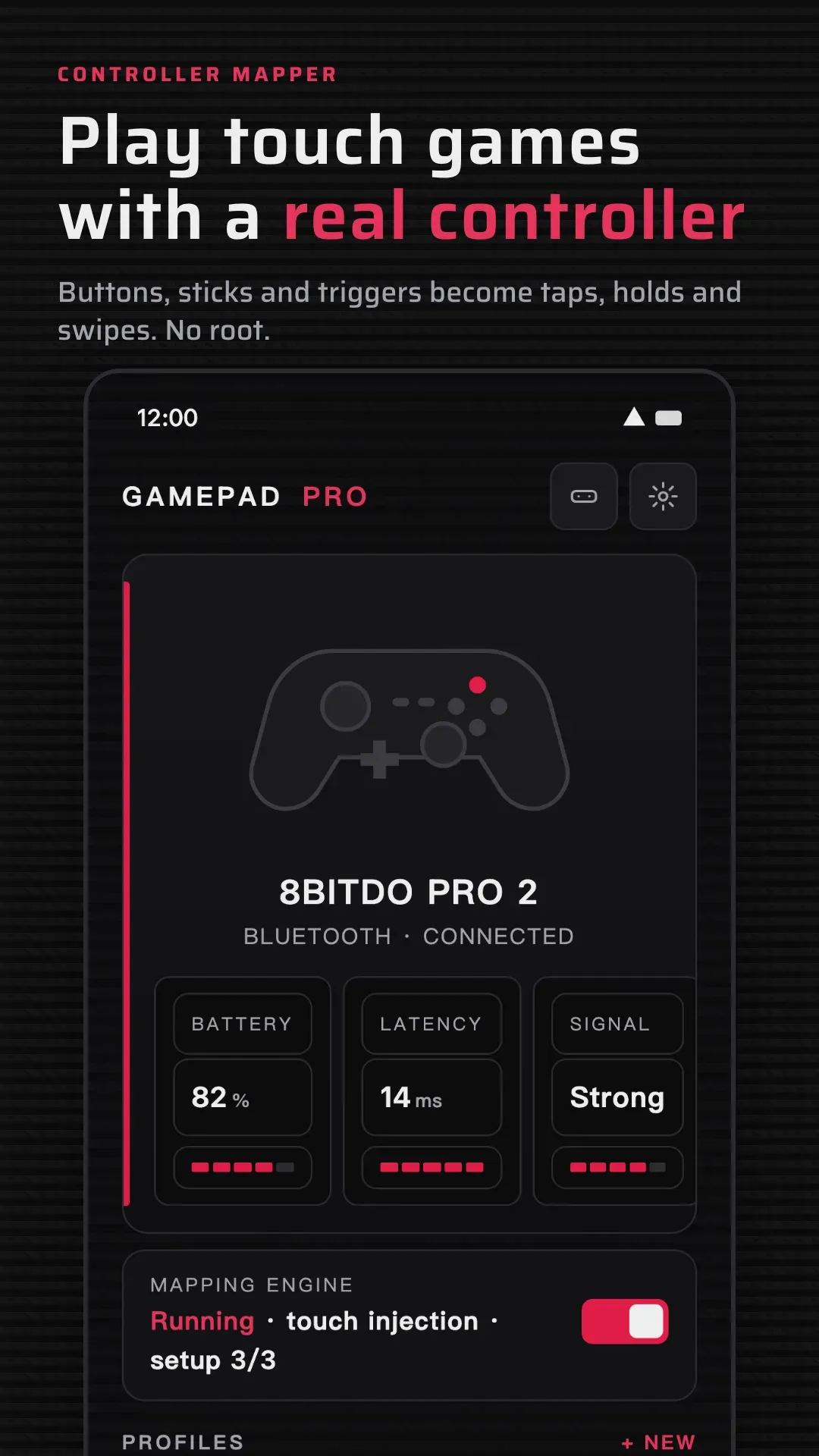
Gamepad Pro is a controller key mapper for Android: turn the gamepad you already own into touch controls and play touch-only games with real buttons. No root.

  • Buttons, sticks and L2/R2 triggers become taps, holds and swipes
  • A layout for every game, and Phases for different parts of it
  • Macros, turbo and button combos. No root, no cloning
Gamepad Pro screenshot 1Gamepad Pro screenshot 3
Android 12 or laterController mapper · No root17 languagesVersion 1.9.5
Screenshots5
Gamepad Pro screenshot 1
Gamepad Pro screenshot 2
Gamepad Pro screenshot 3
Gamepad Pro screenshot 4
Gamepad Pro screenshot 5

How to get started

  1. Open Gamepad Pro and follow the guided setup.
  2. Enable the Accessibility Service and connect your controller.
  3. Enable the Gamepad Pro keyboard for sticks and L2/R2 triggers.
  4. Tap Add, pick your game, drag the controls into position.
  5. Save, launch the game, and play.
See it in actionAll videos →

How to create a key mapping, step by step

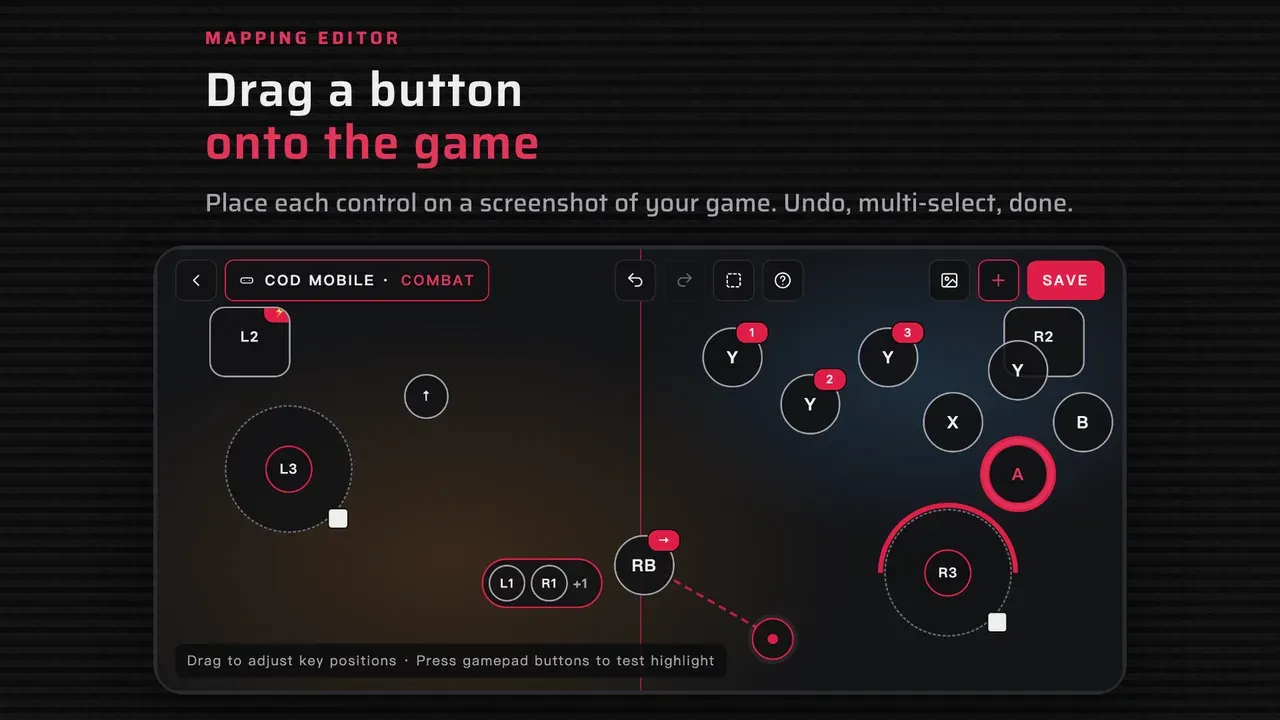
Pick a game, add a button, press the controller button you want to use, drag it onto the spot on screen, then save and play.

What it doesFeatures →

Button, stick & trigger mapping

Map controller buttons, both analog sticks, the D-pad and analog triggers to taps, holds and swipes, with adjustable stick sensitivity.

    Multi-button control

    Move, aim and act at the same time — built for games that need several simultaneous inputs.

      A profile for every game

      Save an independent mapping per game, so you always come back to the right layout.

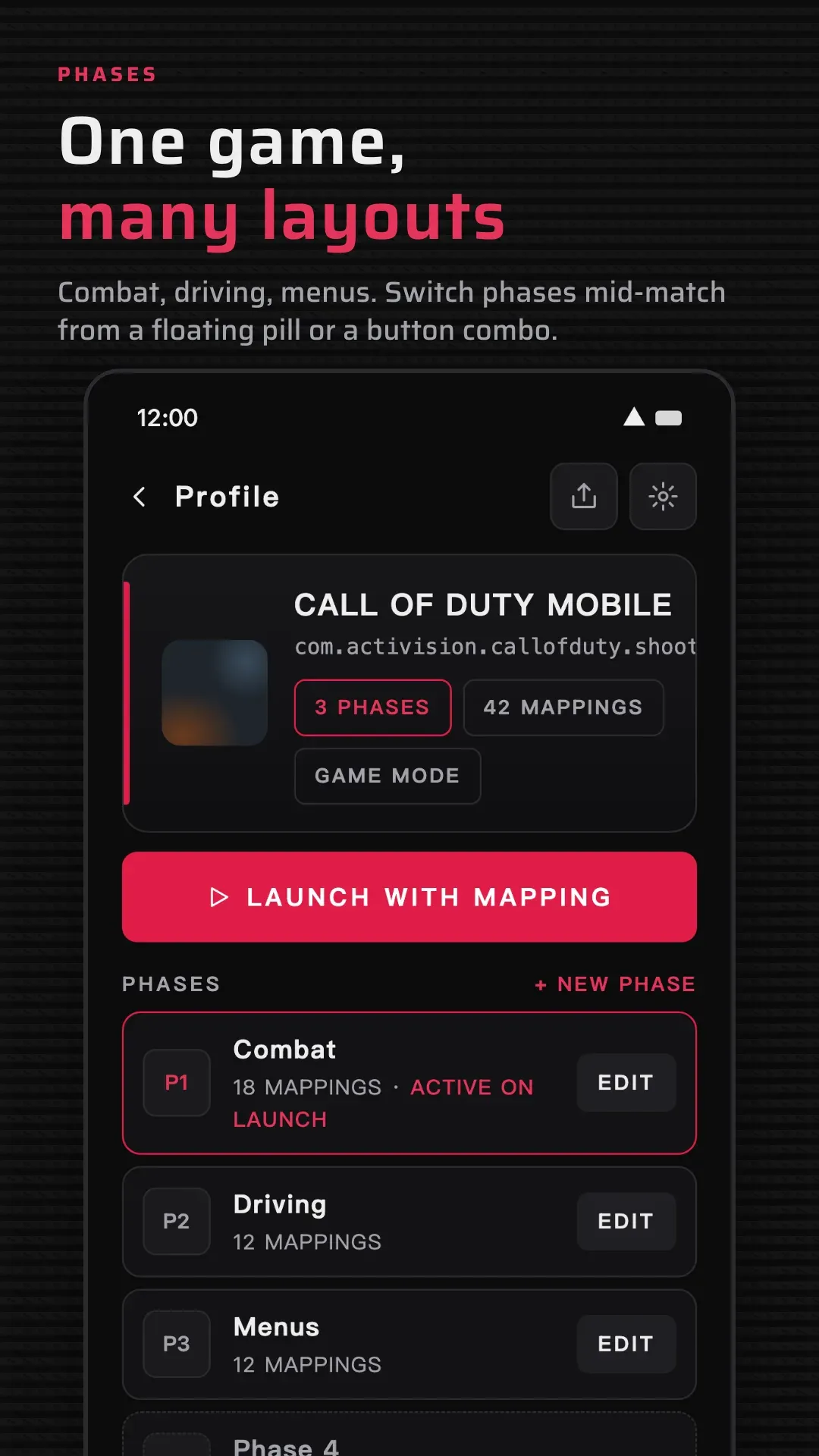
        Phases — multiple layouts for one game

        Create multiple Phases for different parts of the same game, such as Movement, Driving, Parachuting, Combat or Menus.

          Combination buttons

          Use a combination of controller buttons as a single trigger, adding shortcuts without giving up existing controls.

            One-trigger macros

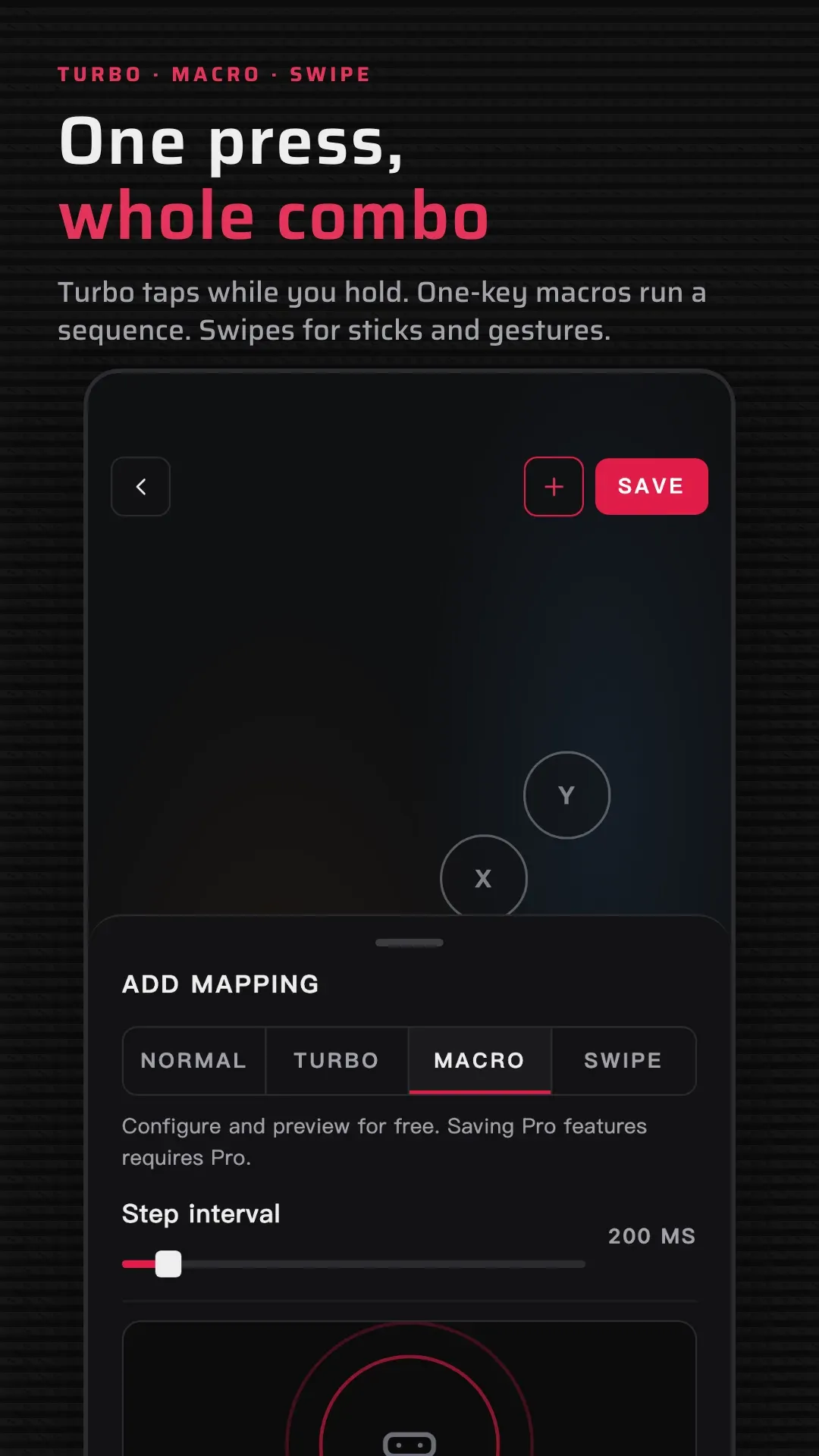
            Build a sequence of touch actions and run the whole thing from one controller input — ideal for repeated routines.

              Turbo actions

              Hold a button to repeat a mapped touch action automatically, at a repeat rate you set per action.

                Built for every kind of game

                Shooters and battle royale, MOBA and MMORPG, racing, action RPG, open world, fighting, survival, idle and clicker games, plus retro emulators — if it takes touch input, you can map a controller to it.

                  No cloning, no root, no ADB

                  Gamepad Pro maps controller input straight to screen actions: no cloned copy of your game, no root, and no ADB for the core setup. A few advanced options can use Shizuku; mapping itself does not.

                    Great controller compatibility

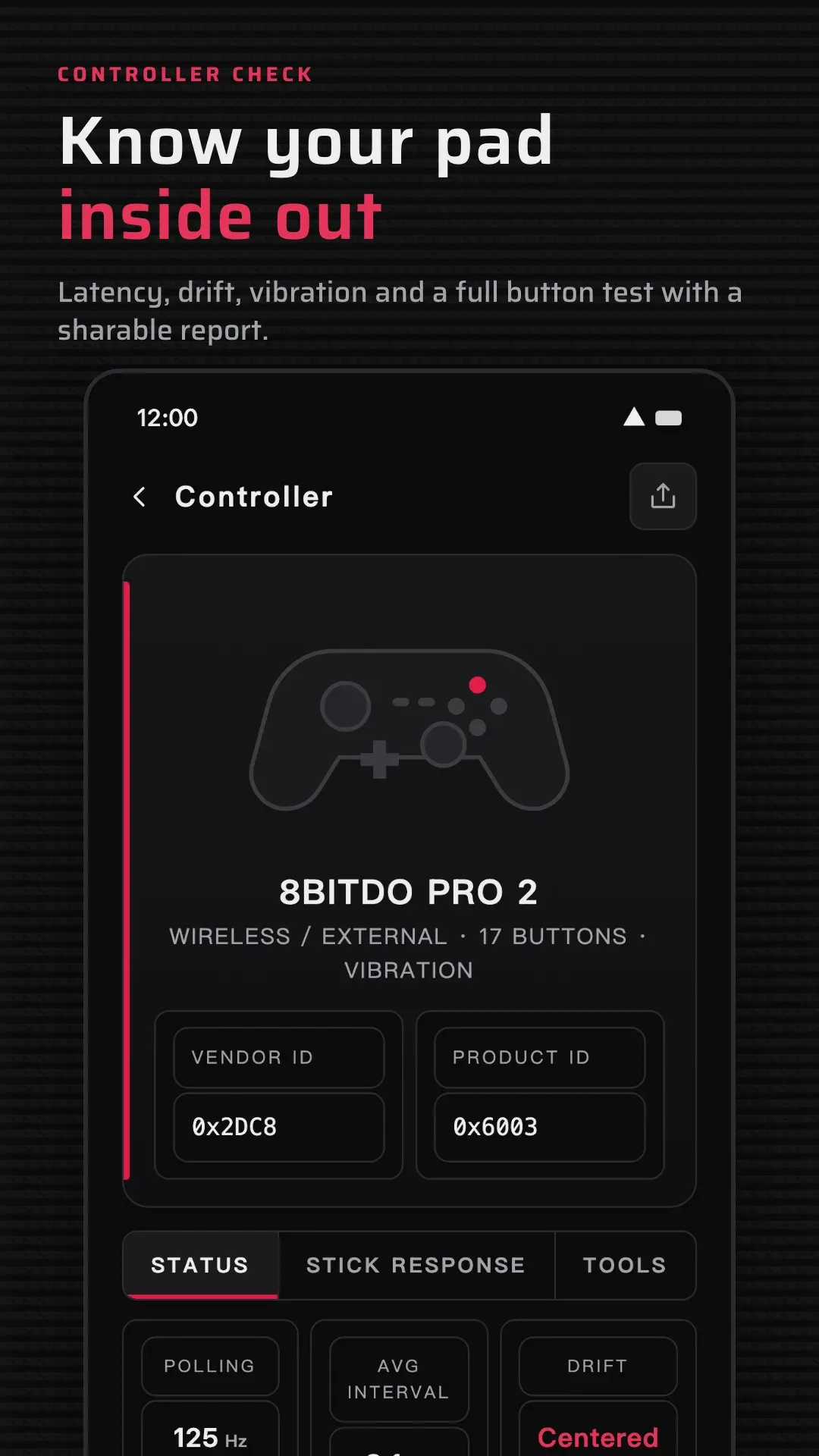
                    Gamepad Pro works with many wired and wireless controllers supported by Android, and button labels can adapt to popular controller layouts.
                      Common questionsAll questions →

                      Permissions

                      Accessibility Service:

                      Gamepad Pro uses Android’s AccessibilityService API to turn your configured controller actions into taps and swipes. It is required for mapping to work outside the app, only performs the actions you create, and never collects or uploads your personal data.

                      Gamepad Pro privacy policy →

                      Gamepad Pro Keyboard

                      Android’s Accessibility Service cannot read analog stick or L2/R2 trigger values. The Gamepad Pro input method captures these inputs so they can be mapped correctly, and may also be used for text input.

                      Compatibility

                      Compatibility may vary with your device, Android version, controller, and how each game handles touch input or overlays.

                      Get Gamepad Pro

                      Available on Google Play for Android.

                      Play Store reviews don’t give us enough detail to investigate technical problems. If something isn’t working, open Gamepad Pro and go to Settings > Feedback.

                      Last updated October 15, 2026