Gamepad Pro videos
Short videos showing Gamepad Pro on a real phone: creating a key mapping, sticks and triggers, fixing a layout mid-game, and the most common problems.
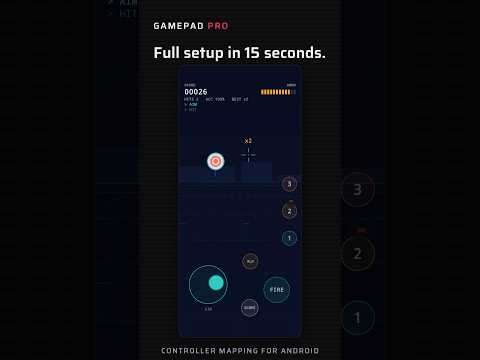
A short look at Gamepad Pro turning a controller's buttons, sticks and triggers into touch controls in a game that only supports touch.
Watch on YouTubeWatch on TikTok
One controller button can be a tap, a hold, a swipe, a turbo or a macro that taps several spots in order; this shows how to choose in the editor.
Watch on YouTubeWatch on TikTokFeatures →FAQ →
Pick a game, add a button, press the controller button you want to use, drag it onto the spot on screen, then save and play.
Watch on YouTubeWatch on TikTokFeatures →FAQ →
Both sticks and both triggers are already in every new layout: drag them into place, then tap one to choose camera swipe or movement dial and set its sensitivity.
Watch on YouTubeWatch on TikTokFeatures →FAQ →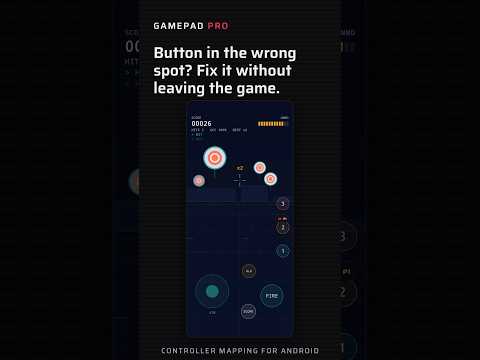
Tap the floating button during a game to show your layout on top of it, drag the button to the right spot and apply it without leaving the game.
Watch on YouTubeWatch on TikTokFeatures →FAQ →
When a second touch gets dropped, update to the latest version first, then follow the steps in Settings › Advanced multi-touch.
Watch on YouTubeWatch on TikTokFeatures →FAQ →
Check the Bluetooth or USB connection and the pairing in Android settings, reconnect the controller and make sure it is in the right mode.
Watch on YouTubeWatch on TikTokFeatures →FAQ →
Why analog sticks and triggers need the Gamepad Pro keyboard on some Android versions, and how to turn it on so they can be mapped.
Watch on YouTubeWatch on TikTokFAQ →
Android can close apps in the background to save power; turning off battery optimisation for Gamepad Pro keeps your mappings running.
Watch on YouTubeWatch on TikTokFAQ →
What the Accessibility service is used for: turning your button presses into taps and swipes, without reading or uploading what is on your screen.
Watch on YouTubeWatch on TikTokFAQ →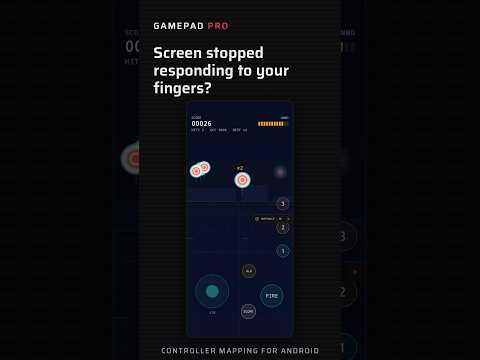
How to pause every mapping at once, from the switch on the home screen or from Quick Settings when you can't get back to the app.
Watch on YouTubeWatch on TikTokFAQ →
Tap the globe to switch back to your own keyboard, or turn on automatic switching so Gamepad Pro only uses its keyboard while mappings run.
Watch on YouTubeWatch on TikTokFAQ →