Relaypad
Android · PS5 · PS4
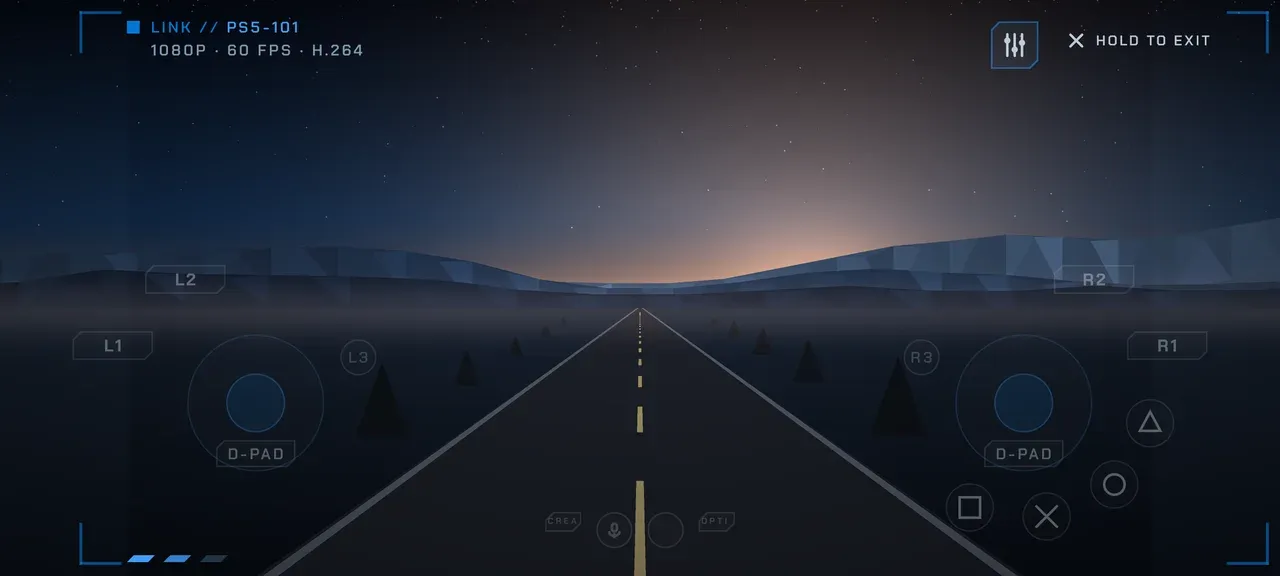
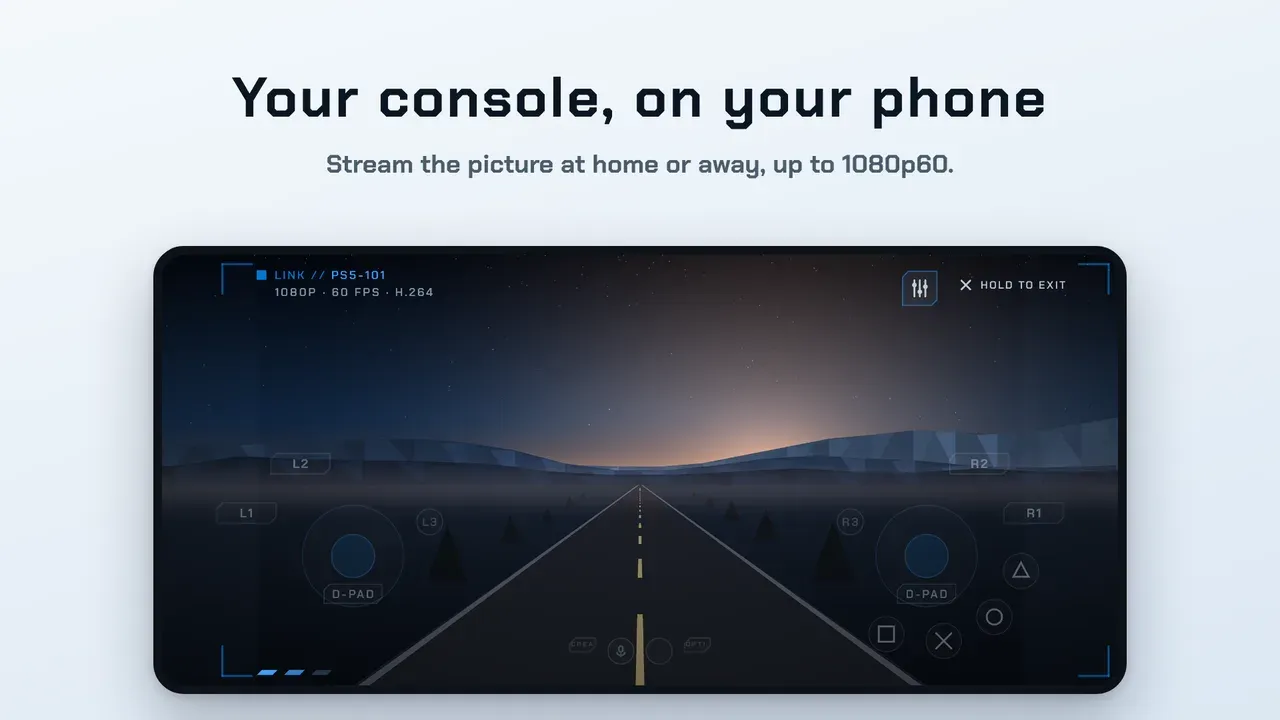
Relaypad turns your Android phone into a wireless controller for your console, or streams the console picture to your phone, tablet or TV, at home or away.
- Playing when the controller battery just died
- Browsing console menus and video apps with big remote keys
- Playing in bed or another room while the console stays by the TV
Android 8.0 or laterPS5 · PS419 languagesAGPL-3.0 sourceVersion 1.0.1
Requires: Requires a PS5 or PS4 console with Remote Play turned on in its settings.
What People Use Relaypad For
- Playing when the controller battery just died
- Browsing console menus and video apps with big remote keys
- Playing in bed or another room while the console stays by the TV
- Putting the picture on a hotel TV over HDMI, with the phone as the pad
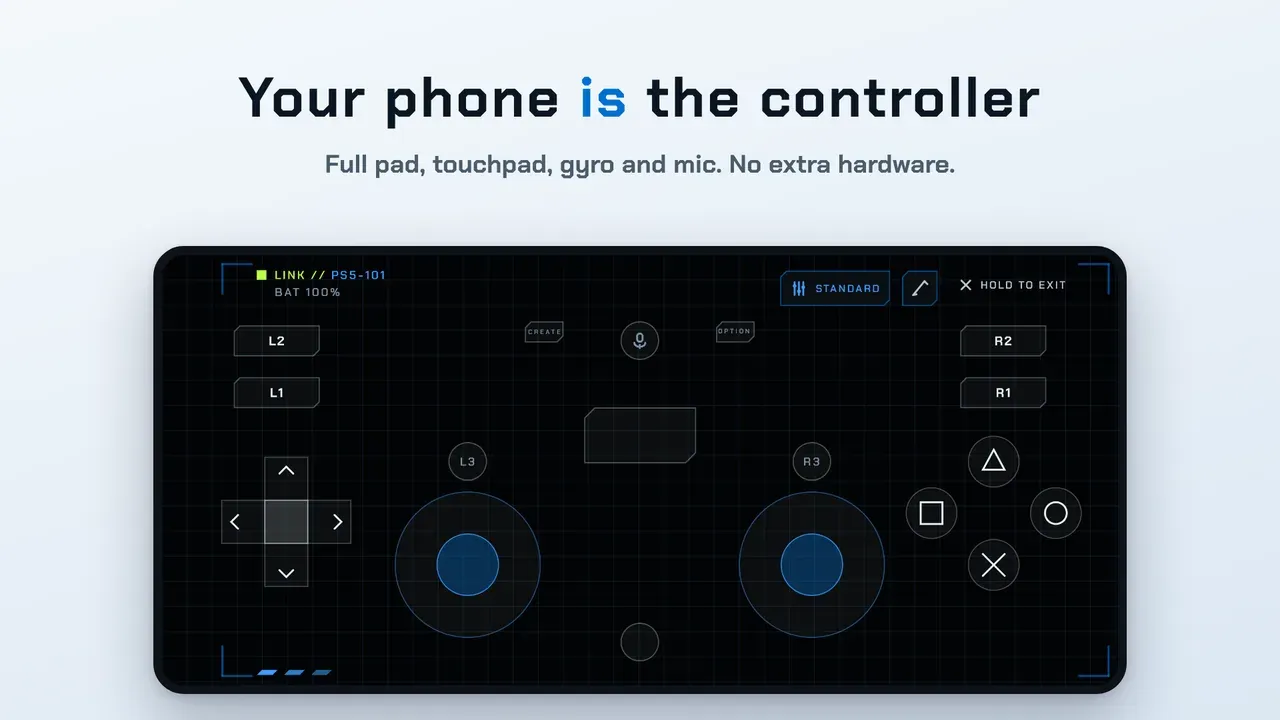
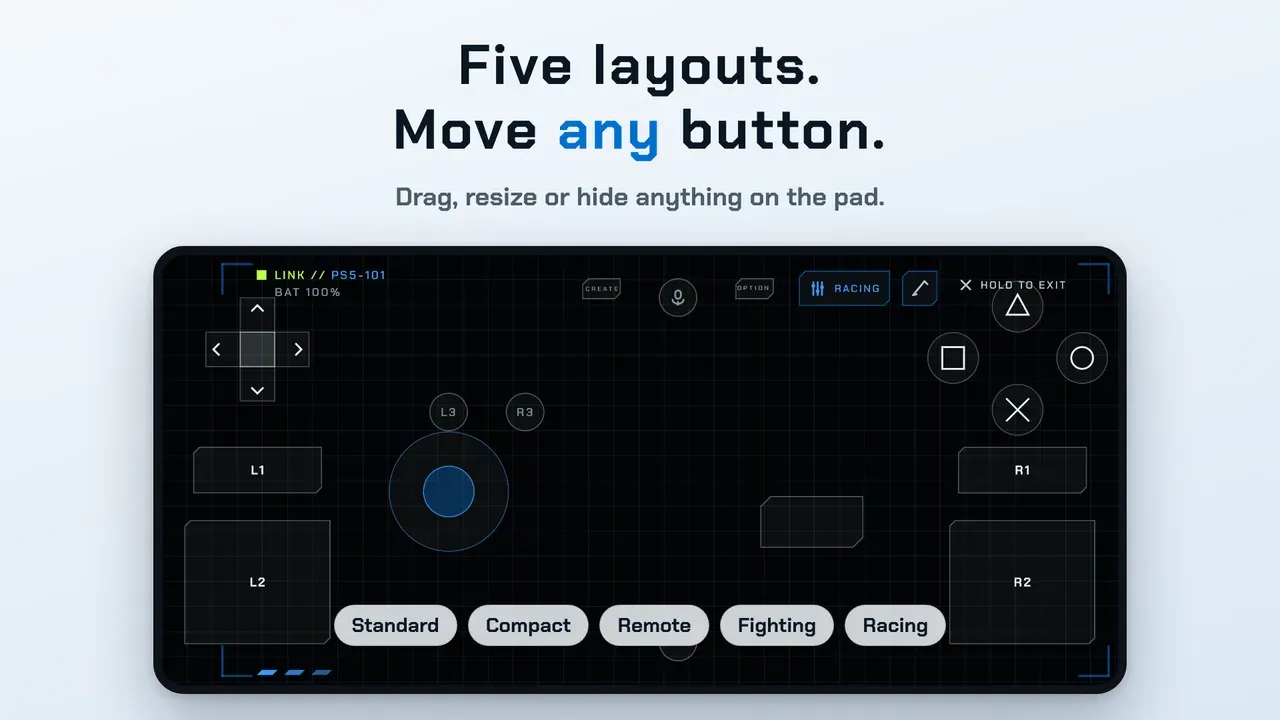
- Five layouts: Standard, Compact, Remote, Fighting and Racing
- Drag, resize or hide any button, and use your own layouts while streaming
- Touchpad, rumble, microphone and gyro motion controls
- Forward a Bluetooth or USB gamepad with automatic button mapping
- USB pads while streaming: adaptive triggers, light bar and haptics
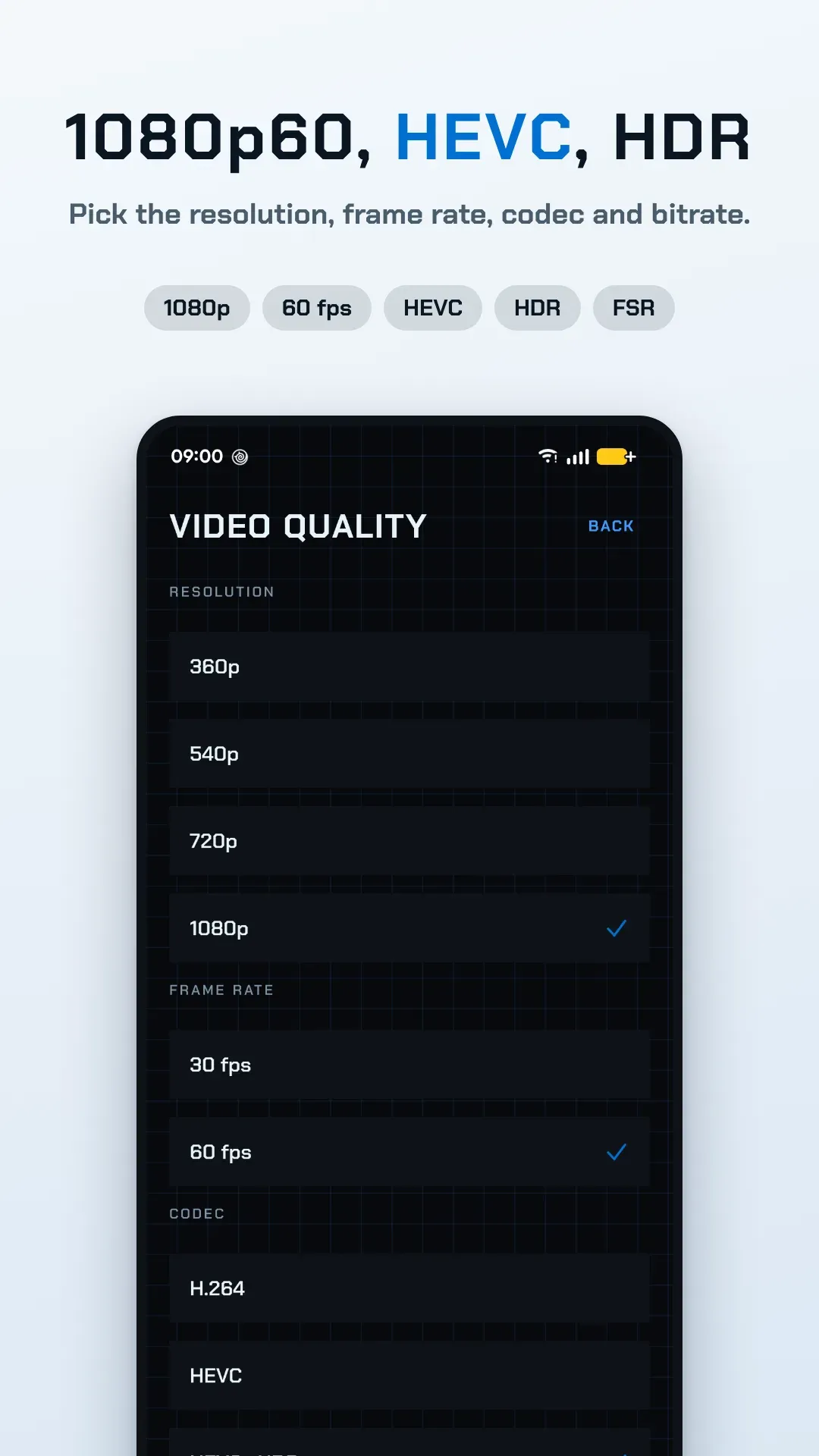
- 30 or 60 fps up to 1080p, manual bitrate, HEVC and HDR on supported phones
- FSR sharpening and an overlay with fps, packet loss and total latency
- TV output over HDMI, picture-in-picture, split layout on tablets and foldables
- Minimal mode, Fit, Stretch or Zoom scaling, auto reconnect on home Wi-Fi
- Data saver drops to 720p/30fps on mobile data
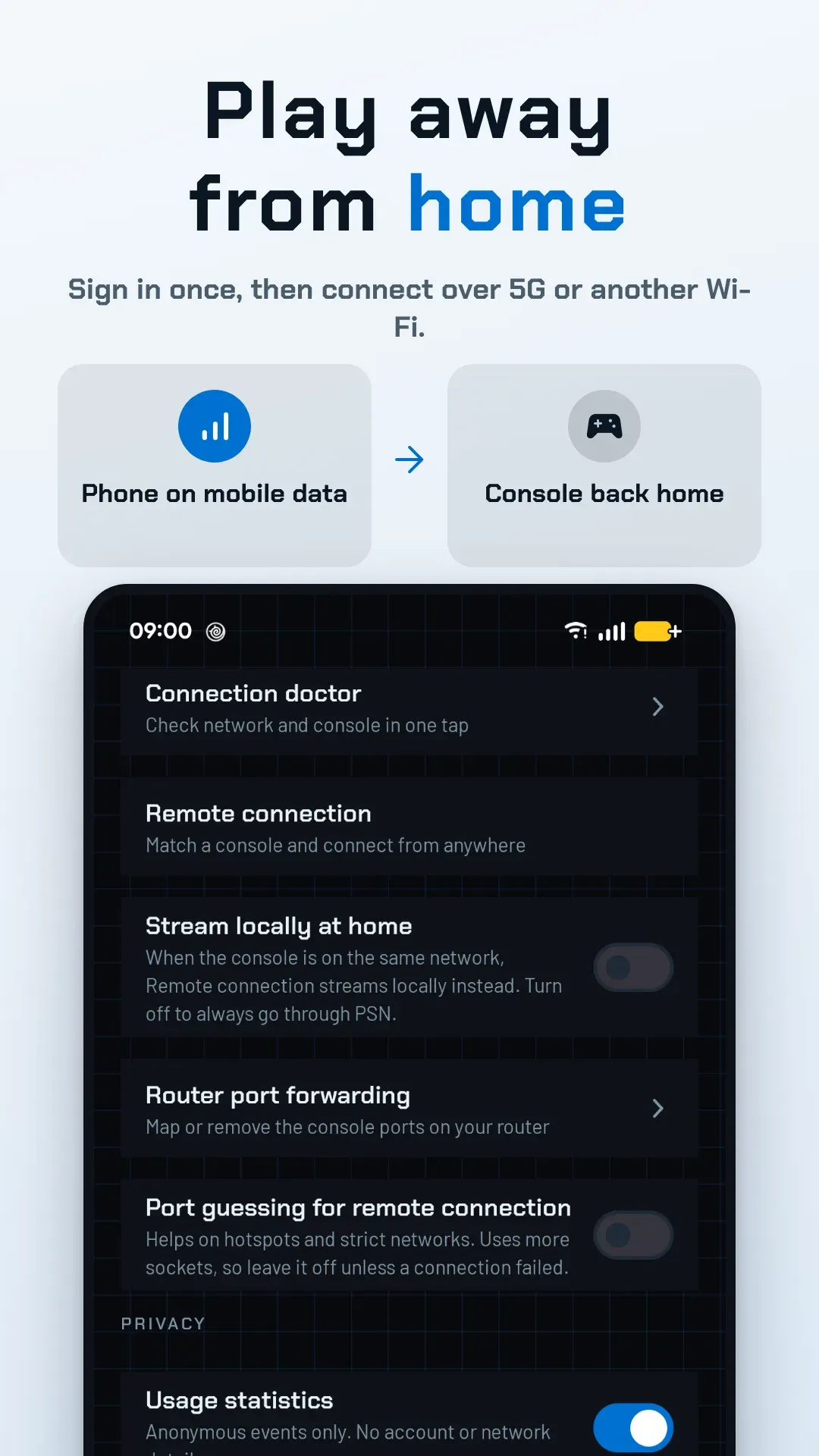
- Sign in once, then connect over 5G, 4G or another Wi-Fi, usually with no router setup
- Automatic UPnP port mapping, and home VPNs such as Tailscale work too
- Tells you when your carrier's shared address (CGNAT) blocks the connection
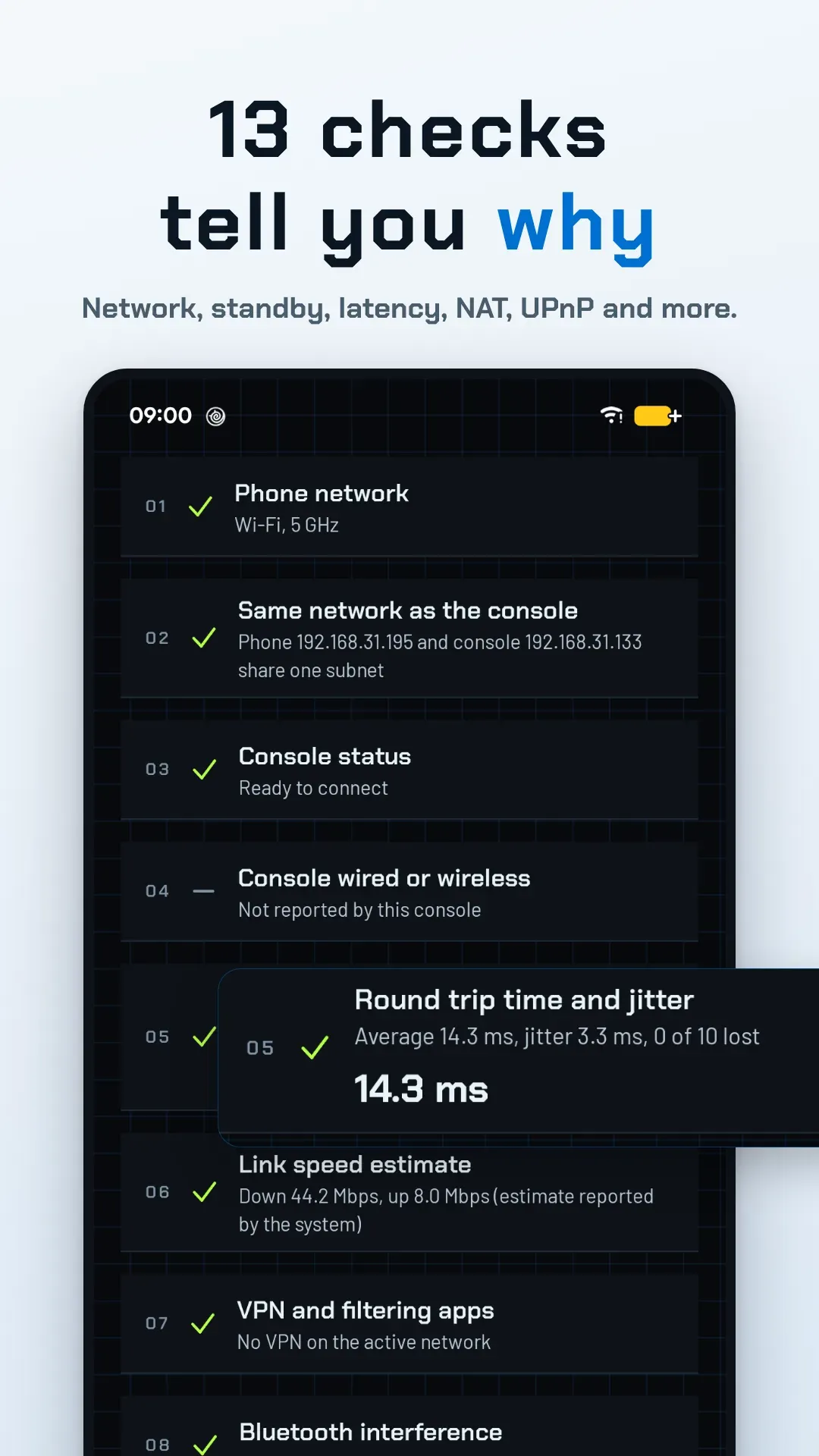
- 13 checks: network, console standby, Remote Play switch, latency and jitter
- Wi-Fi band, VPN, Bluetooth interference, UPnP, NAT type and public IPv4
- Copy the report or email it to us with one tap
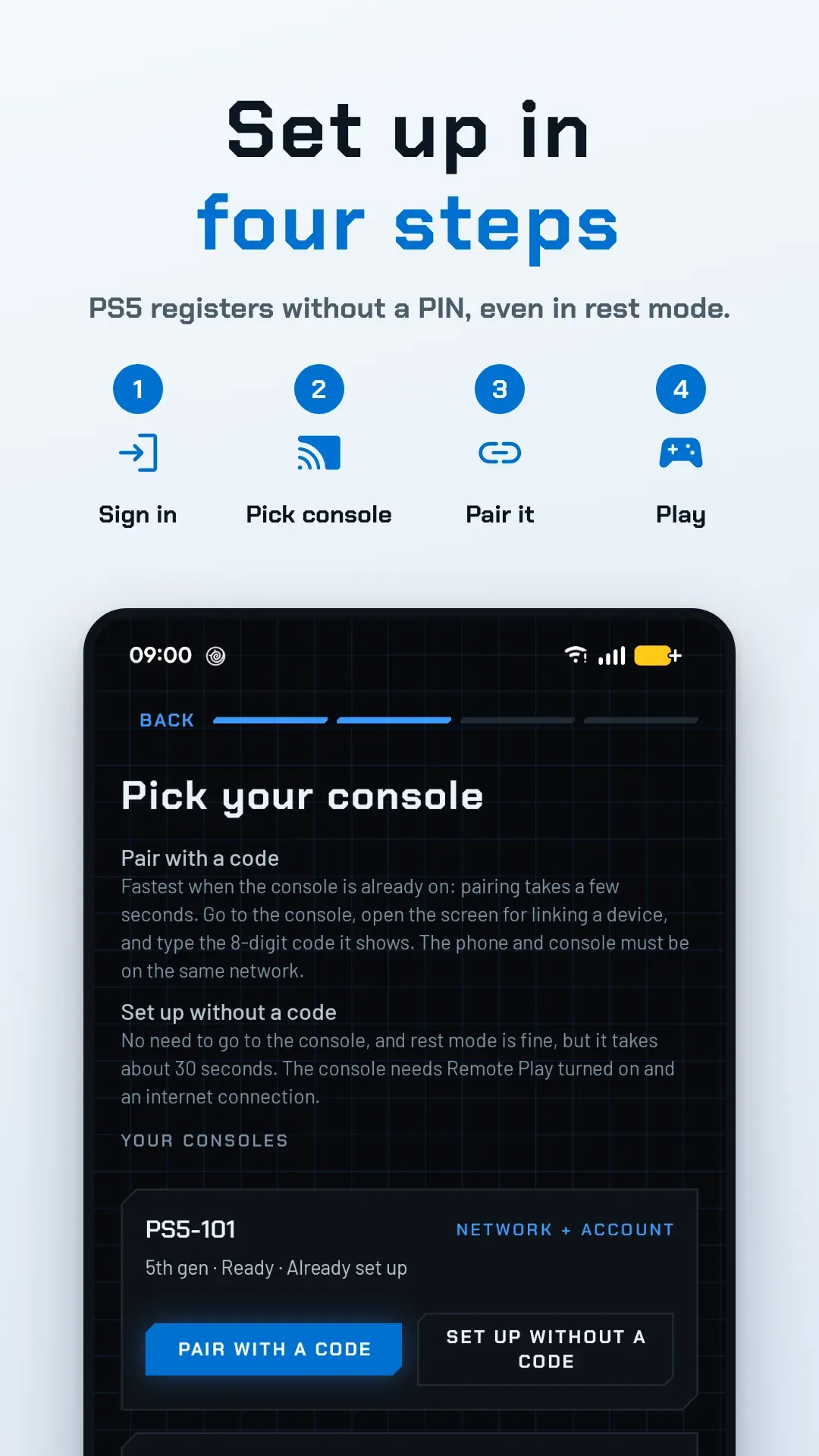
- Sign in inside the app or in your browser (passkeys work), or type your account ID
- PS5: register without a PIN, even in rest mode; or pair with the 8-digit code
- Save several consoles and accounts, rename or re-pair any time
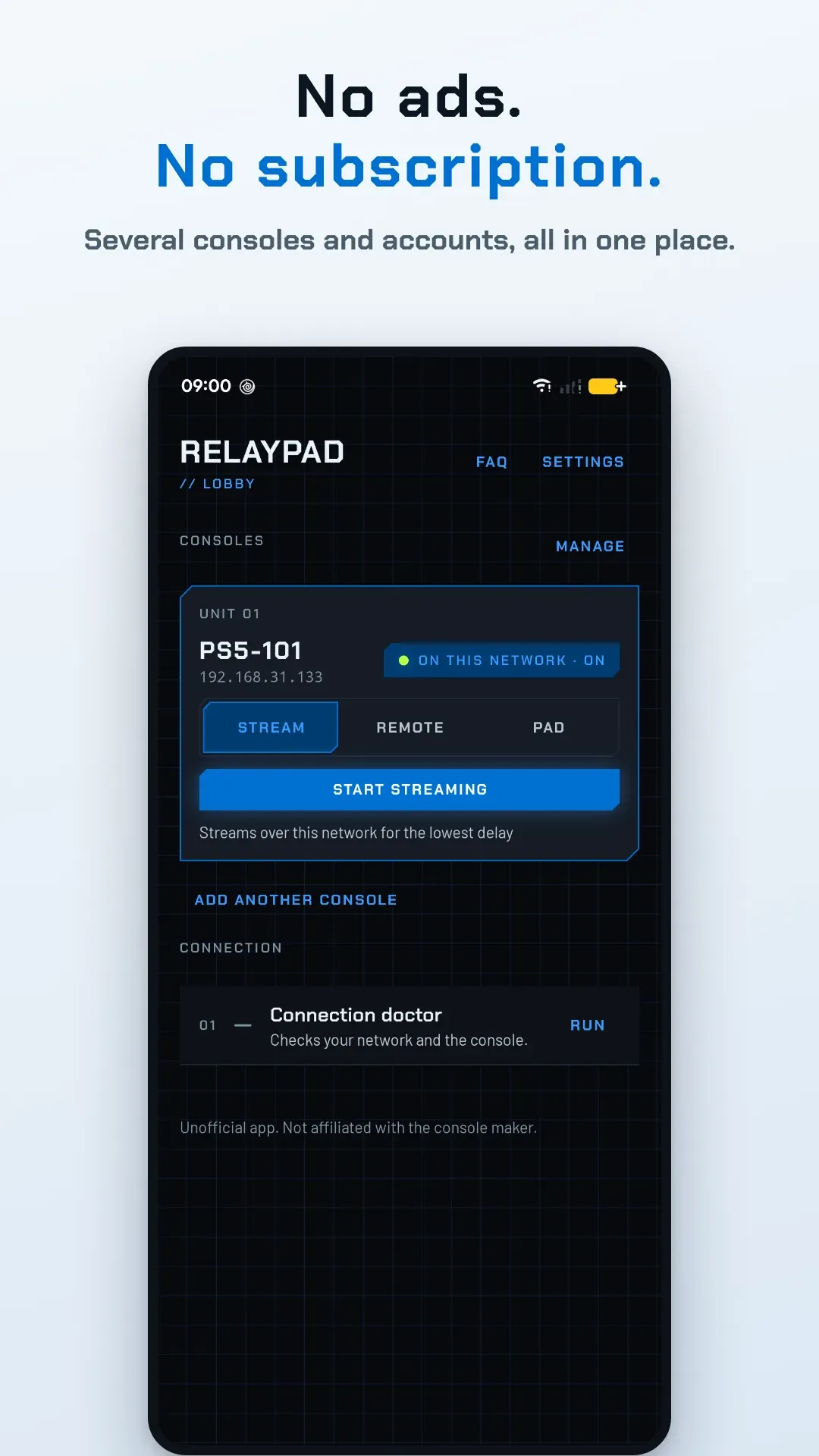
Stream plays the console on this phone over your home network, and it wakes the console first if it is in rest mode. Remote does the same from anywhere through your signed-in account. Pad turns the phone into a controller with no picture, for when you watch the game on the TV. The card remembers the last choice for each console.
No. The phone connects as the Remote Play controller of the account it was set up with, so it takes the place of your controller instead of joining alongside it. A controller connected directly to the console cannot play at the same time: the console makes it use a different user, such as a guest, and the two then keep taking control from each other. Use the phone when there is no controller at hand, not as an extra player.
Away from home, pick Remote on the console card and tap Play remotely. It connects through your account, so the account has to be added by signing in and the console has to be matched once. A connection usually takes 20 to 40 seconds, and it tries UPnP on your home router by itself. If it fails, the message says why; the next questions cover the common causes, and a home VPN is another way around it.
A few things cause this on what looks like one network. A guest network is walled off from the main one even on the same router. A router that gives its 2.4 GHz and 5 GHz bands different names can put the two devices on separate subnets, and some routers keep wireless devices from seeing each other. A VPN or private DNS app can also take over the route. Run the connection doctor and read the Same network as the console line, which prints both addresses.
HEVC needs a decoder for it on this phone, and HDR needs a screen that supports it; the quality page says why an option is unavailable. If the phone cannot decode the format when a stream starts, the stream switches to H.264 or SDR by itself and tells you.
No. You buy the app once on Google Play and that is all: no subscription, no in-app purchases, no ads, and no feature that asks for a second payment later. The purchase is tied to your Google account, not to the phone.
No Ads, No Subscription
Relaypad shows no ads and has no subscription. Reinstall it on a new phone with the same Google account at no extra cost. If it does not work with your setup, email us within 7 days of purchase for a refund.
Privacy
No Relaypad account and no Relaypad server between you and your console. Pairing keys and sign-in tokens stay on your device, encrypted with the Android Keystore. Anonymous statistics can be turned off.
Relaypad privacy policy →
Before You Buy
- You need your own console; no games or cloud gaming are included
- Android 8.0 or later; 4 GB of RAM and 5 GHz Wi-Fi recommended
- Your phone takes the place of a controller rather than playing alongside one
- After a console system update, Relaypad may need an update to connect again
Get Relaypad
Available on Google Play for Android. The source code is published under AGPL-3.0.
PlayStation®, PS4® and PS5® are trademarks of Sony Interactive Entertainment Inc. Relaypad is an independent Remote Play client, not affiliated with, authorised by or endorsed by Sony. It works only with hardware and content you own, and does not circumvent copy protection or enable piracy.
Last updated October 15, 2026